Your check engine light just came on, and your first instinct is to grab your phone. But with app stores flooded with ad-heavy diagnostic tools that barely function, finding a free car diagnostic app that actually delivers reliable results can feel impossible. The good news? Several free and affordable options genuinely work, and newer AI-powered platforms are changing the game entirely. In this guide, we break down which apps are worth your time, what hardware you may need, and how AI diagnostics like AutoUncover can go beyond basic code reading to tell you what is actually wrong with your car.
What Are Car Diagnostic Apps?
A car diagnostic app is a mobile application that communicates with your vehicle's onboard computer to read error codes, display live sensor data, and help identify mechanical or electrical problems. Most of these apps connect through your car's OBD-II port, a standardized diagnostic connector found in all gas-powered cars sold in the US after 1996.
OBD-II is the On-Board Diagnostics II protocol, a federally mandated system that monitors emissions-related components and stores trouble codes when something goes wrong. The apps translate those codes into plain language so you can understand what your car is trying to tell you.
Do You Still Need Hardware?
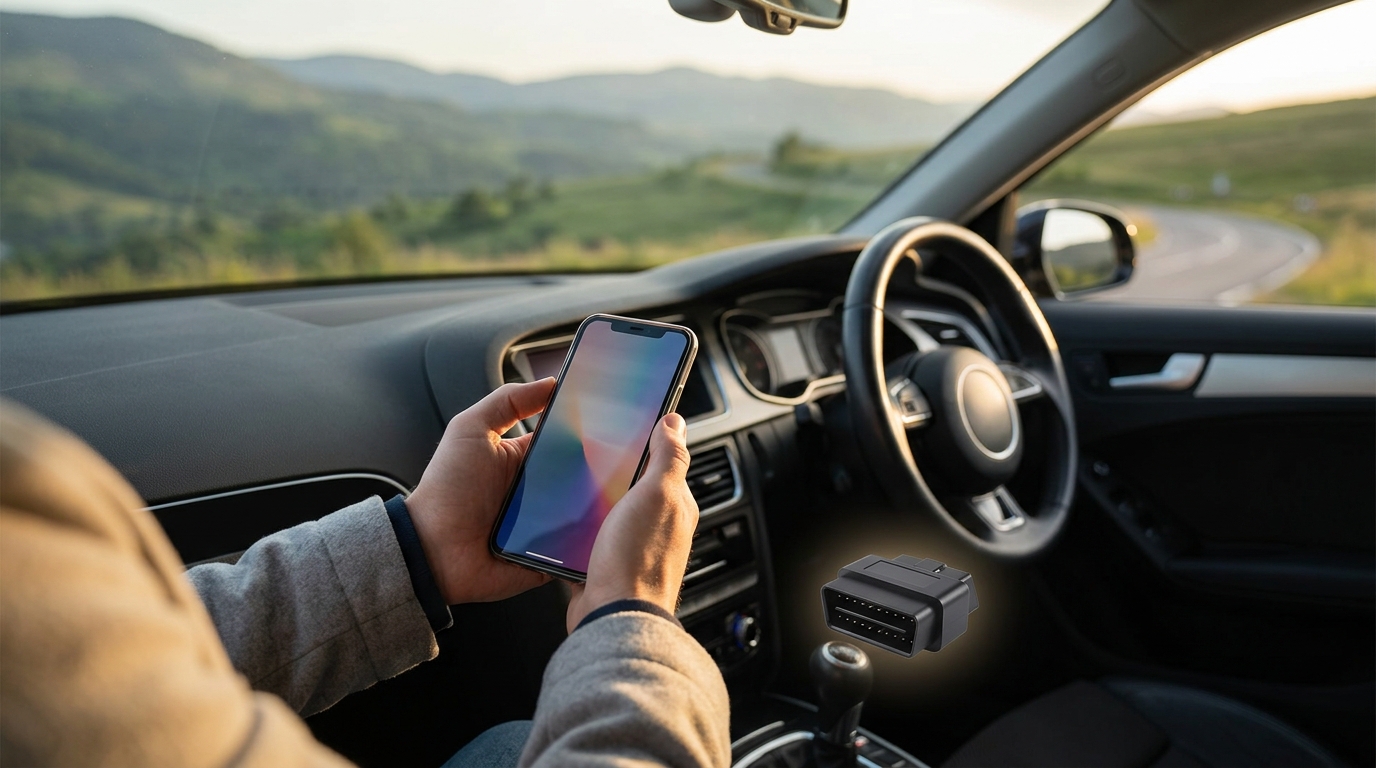
Most traditional diagnostic apps require a physical OBD-II adapter, often called an ELM327 dongle, that plugs into your car's diagnostic port under the dashboard. These adapters range from $10 for generic Bluetooth units to over $100 for proprietary devices like the BlueDriver sensor.
However, a new category of AI-powered diagnostic tools requires no hardware at all. Platforms like AutoUncover let you simply describe your car's symptoms in plain language and receive an AI-generated diagnosis verified against real repair data. This makes professional-level insight accessible to anyone with a smartphone.
Best Free Car Diagnostic Apps in 2026
Car Scanner ELM OBD2
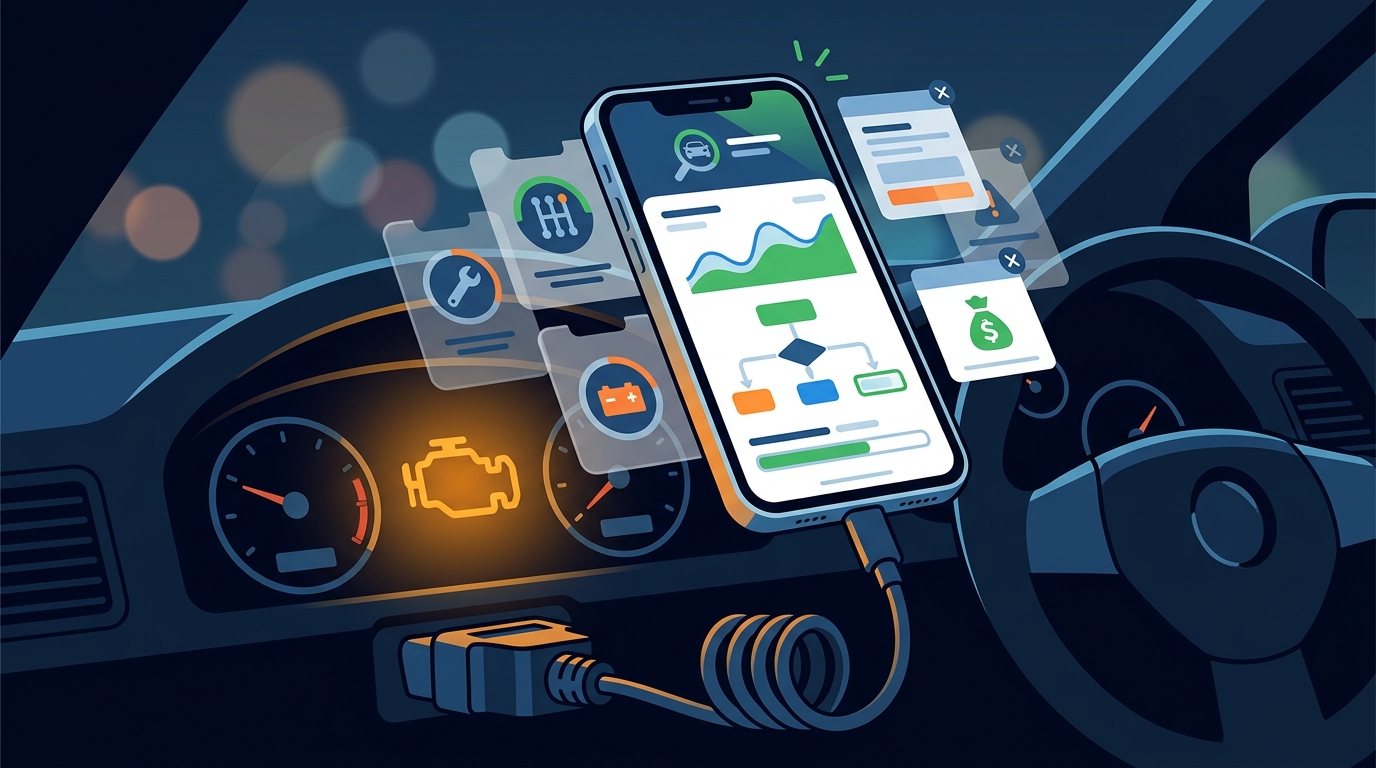
Car Scanner ELM is widely regarded as the best free OBD-II app available today. It works with generic ELM327 adapters over Bluetooth or Wi-Fi. The free version includes code reading, live data streaming, and even some EV and hybrid battery diagnostics. A small banner ad appears at the bottom, but it never interrupts your session. The Pro upgrade costs a one-time $5 fee.
Torque Lite
Torque Lite is a free, Android-only utility that connects to your car's OBD2 system using a Bluetooth ELM adapter. It provides real-time gauges, fault code reading, and basic data logging. It is a solid entry point for beginners, though it lacks the depth of Car Scanner.
AndrOBD
AndrOBD is a fully open-source OBD-II scanner for Android. It lets you read fault codes, monitor live data, and log sessions with no ads and no paywalls. It works with any ELM327 adapter, making it ideal for privacy-conscious users who want full control over their diagnostic data.
Affordable Paid Options Worth Considering
BlueDriver
BlueDriver pairs a free app with a proprietary Bluetooth sensor (around $100). What sets it apart is its "Confirmed Fix" repair reports, which show you what other verified repairs resolved the same code on your specific vehicle. It is designed for non-technical car owners who want clear, actionable answers.
OBDeleven
OBDeleven targets Volkswagen, Audi, Skoda, and Seat owners with deep manufacturer-specific coding capabilities. The basic app is free, but advanced features require credits or a subscription. It supports both iOS and Android.
AI Car Diagnostics: The Next Level
Traditional OBD-II apps read codes, but they rarely tell you why something failed or what to do next. This is where AI-powered diagnostics fill the gap. AutoUncover uses artificial intelligence to analyze your car's symptoms, cross-reference them against a database of real, verified repairs, and deliver a diagnosis you can trust.
Unlike code readers, AutoUncover does not require an OBD-II adapter or any hardware. You describe what your car is doing, such as "rough idle at cold start" or "grinding noise when braking," and the platform returns a ranked list of likely causes with repair guidance. This approach is especially valuable for symptoms that do not trigger a check engine light, like unusual noises, vibrations, or handling changes.
If you want to understand how the process works step by step, visit the how to use AutoUncover page. For drivers who need deeper analysis and priority support, there is also a premium plan available.
Side-by-Side Comparison Table
| Tool | Cost | Hardware Needed | Platform | Best For |
|---|---|---|---|---|
| Car Scanner ELM | Free (Pro $5) | ELM327 adapter | Android, iOS | Feature-rich free scanning |
| Torque Lite | Free | ELM327 adapter | Android only | Simple code reading |
| AndrOBD | Free (open source) | ELM327 adapter | Android only | Privacy and transparency |
| BlueDriver | Free app ($100+ sensor) | Proprietary adapter | Android, iOS | Confirmed repair reports |
| OBDeleven | Free (credits for extras) | OBDeleven dongle | Android, iOS | VW/Audi coding |
| AutoUncover | Free tier available | None | Web (any device) | AI symptom-based diagnosis |
Key Takeaways
- Several free OBD-II apps deliver genuine diagnostic value, but most require a Bluetooth or Wi-Fi adapter ($10 to $100+).
- Car Scanner ELM offers the widest feature set for free, including EV and hybrid support.
- Open-source options like AndrOBD provide ad-free, transparent diagnostics at zero cost.
- BlueDriver is the best choice for non-technical owners who want plain-language repair guidance.
- AI diagnostic platforms like AutoUncover require no hardware and can diagnose symptoms that never trigger a check engine light.
- Always verify app-generated codes with a trusted mechanic before authorizing expensive repairs.
- iPhones require Bluetooth Low Energy (BLE) adapters; standard Bluetooth ELM327 dongles may not connect.
Frequently Asked Questions
Are free car diagnostic apps accurate?
Free apps like Car Scanner ELM and Torque Lite accurately read OBD-II trouble codes. However, a code only tells you what sensor flagged; it does not pinpoint the root cause. For root-cause analysis, AI tools like AutoUncover cross-reference symptoms against verified repair outcomes.
Do I need to buy hardware to diagnose my car?
Most OBD-II apps require a Bluetooth or Wi-Fi adapter that costs between $10 and $100+. AI-based platforms like AutoUncover need no hardware at all. You just describe your symptoms online.
What is an OBD-II port?
An OBD-II port is a 16-pin diagnostic connector, typically located under the dashboard on the driver's side. All gas-powered vehicles sold in the US since 1996 are required to have one.
Can these apps work on iPhones?
Yes, but iPhones require Bluetooth Low Energy (BLE) compatible adapters. Standard Bluetooth or Wi-Fi ELM327 dongles often do not work with iOS. Apps like Car Scanner ELM, BlueDriver, and OBDeleven all support iOS with compatible hardware.
What if my car problem does not trigger a check engine light?
Many issues, like strange noises, vibrations, or handling problems, never set a diagnostic code. In these cases, symptom-based AI diagnostics from AutoUncover can analyze your description and suggest likely causes based on real repair data.
Is Torque Pro worth the upgrade from Torque Lite?
Torque Pro costs around $5 and adds custom dashboards, more simultaneous data streams, and plugin support. If you regularly monitor vehicle performance or do your own maintenance, it is a worthwhile upgrade.
Are open-source diagnostic apps safe to use?
Yes. Open-source apps like AndrOBD are community-reviewed and contain no ads, trackers, or hidden costs. The source code is publicly available for inspection, which makes them among the most transparent options.
How is AutoUncover different from OBD-II apps?
OBD-II apps read codes from your car's computer, which requires hardware. AutoUncover uses AI to interpret the symptoms you describe and matches them to a database of verified real-world repairs. It works for any car issue, not just those that trigger a warning light.
Get a Free Diagnosis Now
Stop guessing what is wrong with your car. Try AutoUncover for free and get an AI-powered diagnosis verified by real repair data. No hardware, no downloads, no mechanic appointment needed. Just describe what your car is doing and get answers in seconds.