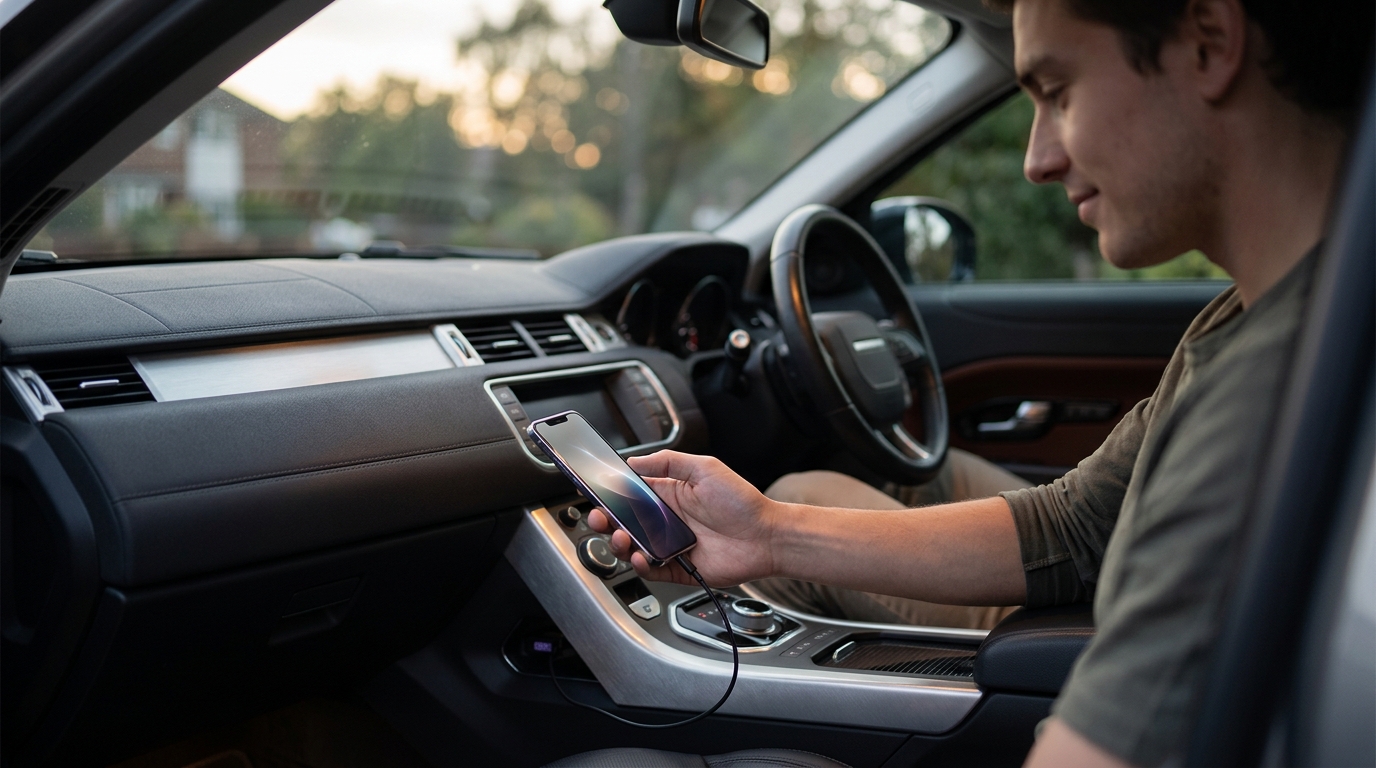
When your check engine light flickers on, the last thing you want is a surprise repair bill. A car diagnostic tool is an electronic device that plugs into your vehicle's OBD2 port to read fault codes, display live data, and help you understand what is actually wrong. In 2026, beginners have more options than ever, from simple $40 code readers to AI-powered platforms that translate cryptic codes into plain-English next steps. This guide breaks down the best beginner-friendly diagnostic tools so you can make confident, informed decisions about your vehicle's health without overpaying at the shop.
Why Every Car Owner Needs a Diagnostic Tool
Modern vehicles rely on dozens of electronic control modules that monitor everything from engine performance to tire pressure. When something goes wrong, the car stores a diagnostic trouble code (DTC). Without a scanner, you are flying blind and trusting a shop to interpret those codes for you.
According to S&P Global Mobility, the average age of U.S. light vehicles reached 12.8 years in 2025. Older vehicles mean more sensor drift, more maintenance resets, and more intermittent faults to track down. A basic scanner can save you a $100-plus diagnostic fee on a single visit.
Types of Car Diagnostic Tools Explained
Code Readers
A code reader is the simplest and most affordable diagnostic device. It reads and clears DTCs and usually shows basic freeze-frame data. If you just need to know why your check engine light is on, a code reader gets the job done for under $50.
OBD2 Scan Tools
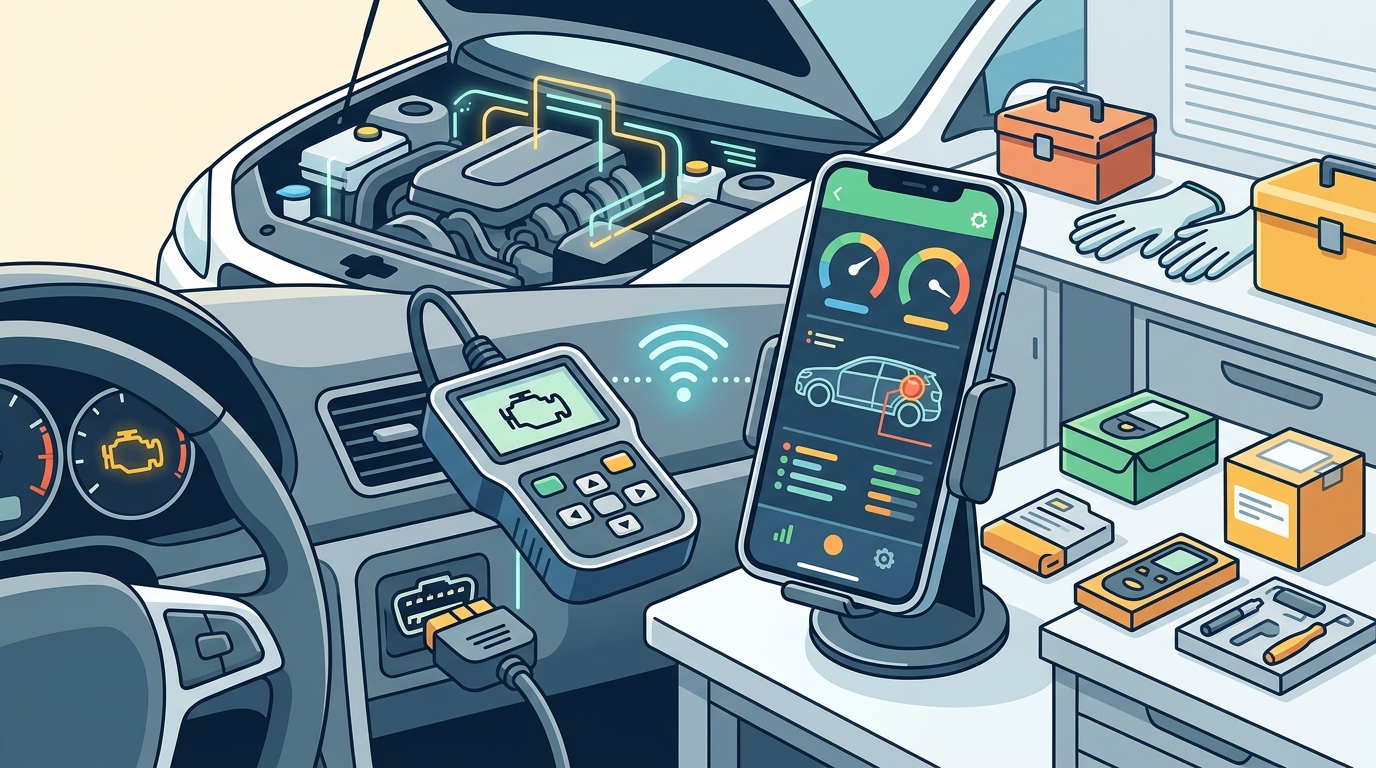
An OBD2 scan tool is a more advanced device that provides live data streams, I/M readiness checks, and multi-system access beyond the engine. These typically cost between $100 and $400 and are ideal for DIYers who want deeper insight.
AI-Powered Diagnostic Platforms
AI diagnostic platforms go beyond hardware. Services like AutoUncover let you describe your car's symptoms in plain language and receive an accurate diagnosis verified by real repairs. This approach is perfect when you do not own a physical scanner or want a second opinion before spending money on parts.
Top Diagnostic Tools for Beginners
Below are our top picks for 2026, chosen for ease of use, value, and beginner-friendly features.
1. Launch CR529 — Best Budget Code Reader
At roughly $38, the Launch CR529 delivers impressive diagnostic features for the price, including live data and an instant inspection readiness check. It cannot read manufacturer-specific codes, but for basic engine diagnostics it punches well above its weight.
2. TOPDON ArtiDiag600S — Best Mid-Range Scanner
The ArtiDiag600S offers full-system diagnostics covering PCM, TCM, ABS, and SRS. Its responsive touchscreen and simple interface make it easy to use right out of the box. It bridges the gap between consumer code readers and professional tools without the professional price tag.
3. AutoUncover AI Diagnostics — Best Software-First Option
Not every beginner wants to buy hardware. AutoUncover's AI diagnostics platform lets you describe what your car is doing and returns a diagnosis backed by real-world repair data. It is ideal when you want fast answers before deciding whether a shop visit is necessary.
4. Topdon TopScan PRO — Best Bluetooth App Scanner
This Bluetooth dongle pairs with your smartphone and turns it into a capable scan tool with bidirectional controls and over 13 maintenance functions. It covers more than 120 vehicle brands globally and sits at a very accessible price point for beginners.
How AI Car Diagnostics Are Changing the Game
Traditional scan tools show you a code. AI diagnostics tell you what the code means for your specific vehicle. AI-powered features explain fault codes in plain language and suggest diagnostic next steps tied to real symptoms, reducing time spent searching forums.
However, AI does not replace confirming fundamentals like battery voltage and connector condition. Think of it as a decision-support layer that sits on top of your scan data. AutoUncover takes this a step further by validating its diagnoses against verified repair outcomes, so you know the recommendation has worked on real cars, not just in theory.
If you are curious how the process works, visit AutoUncover's step-by-step guide to see how symptom descriptions are turned into actionable repair plans.
What to Look for Before You Buy
Vehicle compatibility: Most vehicles from 1996 onward use OBD2 standards, but coverage for specific modules varies by make, model year, and trim. Always verify before purchasing.
Ease of use: Look for clear displays, plug-and-play connections, and plain-language code definitions. If setup is frustrating, you will not use the tool when it matters.
Update policy: Confirm whether the tool offers free lifetime updates or a timed free period followed by paid renewals. Hidden subscription costs can make a cheap scanner expensive over time.
Live data and freeze frame: These features help you test hypotheses rather than blindly replacing parts. A lean-code diagnosis, for example, often needs fuel trim context, not just the DTC text.
Beginner Diagnostic Tool Comparison Table
| Tool | Type | Price Range | Key Strength | Best For |
|---|---|---|---|---|
| Launch CR529 | Code Reader | ~$38 | Live data at budget price | First-time buyers |
| TOPDON ArtiDiag600S | OBD2 Scanner | ~$200 | Full-system diagnostics | DIYers wanting depth |
| AutoUncover | AI Platform | Free / Premium | Symptom-based AI diagnosis | No-hardware beginners |
| Topdon TopScan PRO | Bluetooth Dongle | ~$100 | Smartphone integration | Mobile-first users |
| THINKDIAG 2 | Bluetooth Dongle | ~$90 | Multi-channel live data graphs | Data-curious learners |
Key Takeaways
- A basic code reader starting around $38 can save you over $100 in diagnostic fees per shop visit.
- OBD2 is the universal standard for 1996-and-newer U.S. vehicles, so almost any scanner will connect to your car.
- AI-powered platforms like AutoUncover offer diagnosis without requiring any hardware purchase.
- Always check a tool's update policy; free lifetime updates prevent surprise subscription costs.
- Live data and freeze-frame analysis are more valuable than simply reading and clearing codes.
- Bluetooth dongle scanners turn your smartphone into a powerful diagnostic tool for under $100.
- When in doubt, get a second opinion from an AI diagnostic service before ordering parts.
Frequently Asked Questions
What is the easiest car diagnostic tool for a complete beginner?
A simple code reader like the Launch CR529 is the easiest entry point. It plugs directly into the OBD2 port under your dashboard, requires no app, and displays fault codes on a built-in screen. For a completely hardware-free option, AutoUncover's AI diagnostics lets you type your symptoms and get answers instantly.
Do I need an OBD2 scanner if my car is older than 1996?
OBD2 became mandatory for all U.S. vehicles starting in 1996. If your car is older, you will need a tool that supports OBD1 protocols, which are manufacturer-specific and less standardized.
Can AI really diagnose my car accurately?
AI diagnostic platforms analyze patterns across thousands of real repair cases. AutoUncover verifies its diagnoses against actual repair outcomes, which increases accuracy compared to generic code lookups. However, AI works best as a decision-support layer rather than a final verdict.
How much money can a diagnostic tool save me?
A single dealership diagnostic fee can range from $100 to $150. A basic scanner pays for itself after one use. More importantly, accurate diagnosis prevents the costly mistake of replacing the wrong part.
What is the difference between a code reader and a scan tool?
A code reader only reads and clears engine DTCs. A scan tool offers broader system coverage (ABS, SRS, transmission), live data streaming, and sometimes bidirectional control to actuate components during testing.
Are Bluetooth OBD2 scanners reliable?
Yes, most modern Bluetooth dongles work reliably with both Android and iOS when the companion app supports your phone's OS version. If Bluetooth pairing is unreliable in your setup, a wired scanner may be simpler.
Is AutoUncover free to use?
AutoUncover offers a free tier where you can describe your car's symptoms and receive a diagnosis. A premium plan is available for users who want deeper analysis and additional features.
What should I do after my scanner shows a fault code?
Do not immediately clear the code. Record the DTC number, review freeze-frame data, and check live data to understand the conditions that triggered it. Then cross-reference with a trusted source like AutoUncover before ordering parts.
Start Diagnosing Smarter Today
Whether you grab a $38 code reader or skip hardware entirely, the important thing is to stop guessing. Try AutoUncover free to describe your car's symptoms and get an AI-powered diagnosis verified by real repairs. It takes less than two minutes, requires zero tools, and could save you hundreds on your next repair.