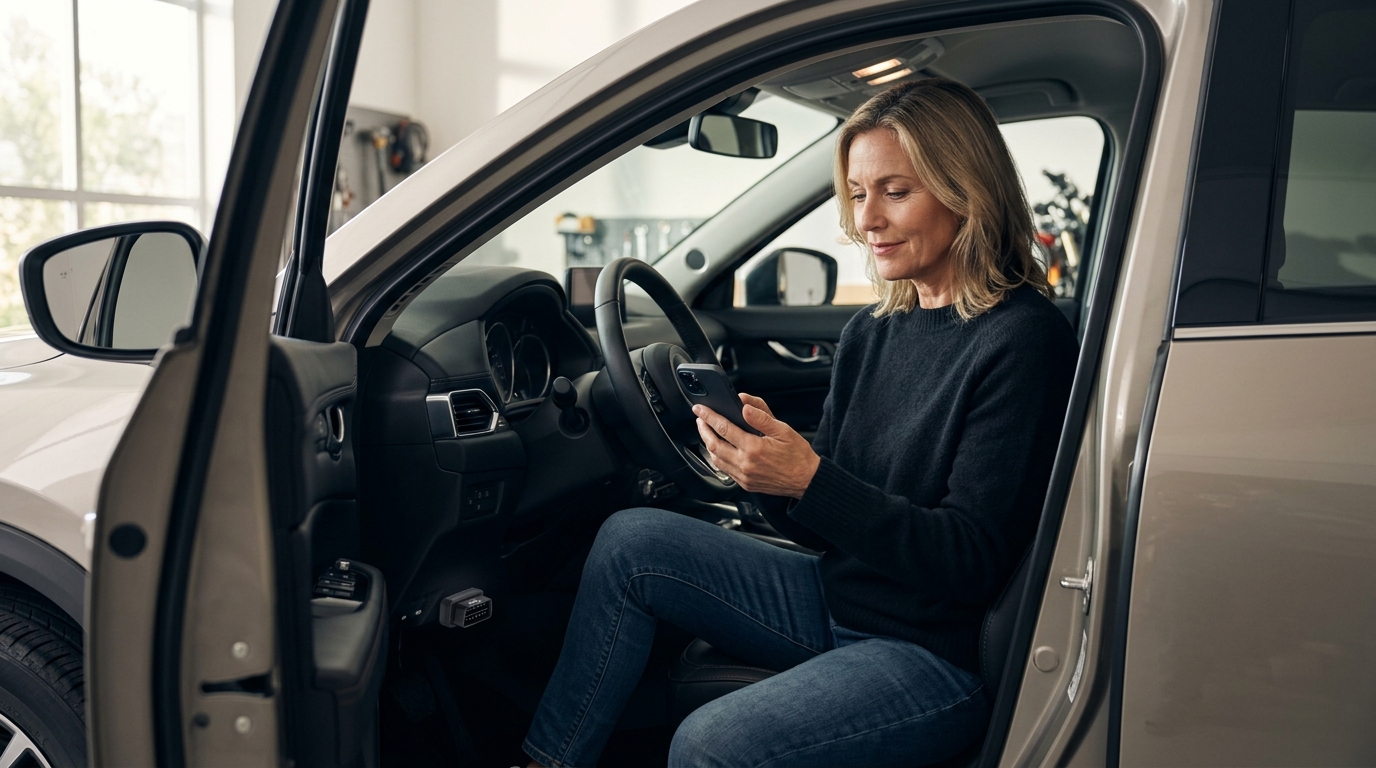
Your check engine light just came on, and the first thing you reach for is your phone. But with hundreds of so-called free diagnostic apps flooding the App Store and Google Play, finding one that actually connects to your car, reads real codes, and gives you useful answers is surprisingly hard. The OBD2 scanner market is booming, and AI-powered platforms like AutoUncover are changing how everyday drivers diagnose problems. In this guide, we break down which free and affordable car diagnostic apps deliver real results and where AI diagnostics fit into the picture.
Why Car Diagnostic Apps Matter More Than Ever
The global automotive diagnostic scan tools market was valued at USD 38.42 billion in 2025 and is projected to reach USD 68.99 billion by 2034. That growth is driven partly by everyday car owners who want answers before visiting a shop.
According to the U.S. Department of Transportation, there are over 270 million vehicles on U.S. roads. Most of those vehicles have an OBD-II port, which means a smartphone app paired with an inexpensive adapter can unlock a surprising amount of diagnostic data.
How Car Diagnostic Apps Work
An OBD-II (On-Board Diagnostics II) scanner is a diagnostic tool used to access your vehicle's computer systems and retrieve data about engine health, emissions, and overall performance. These systems have been standard in vehicles manufactured since 1996 in the United States.
The Basic Setup
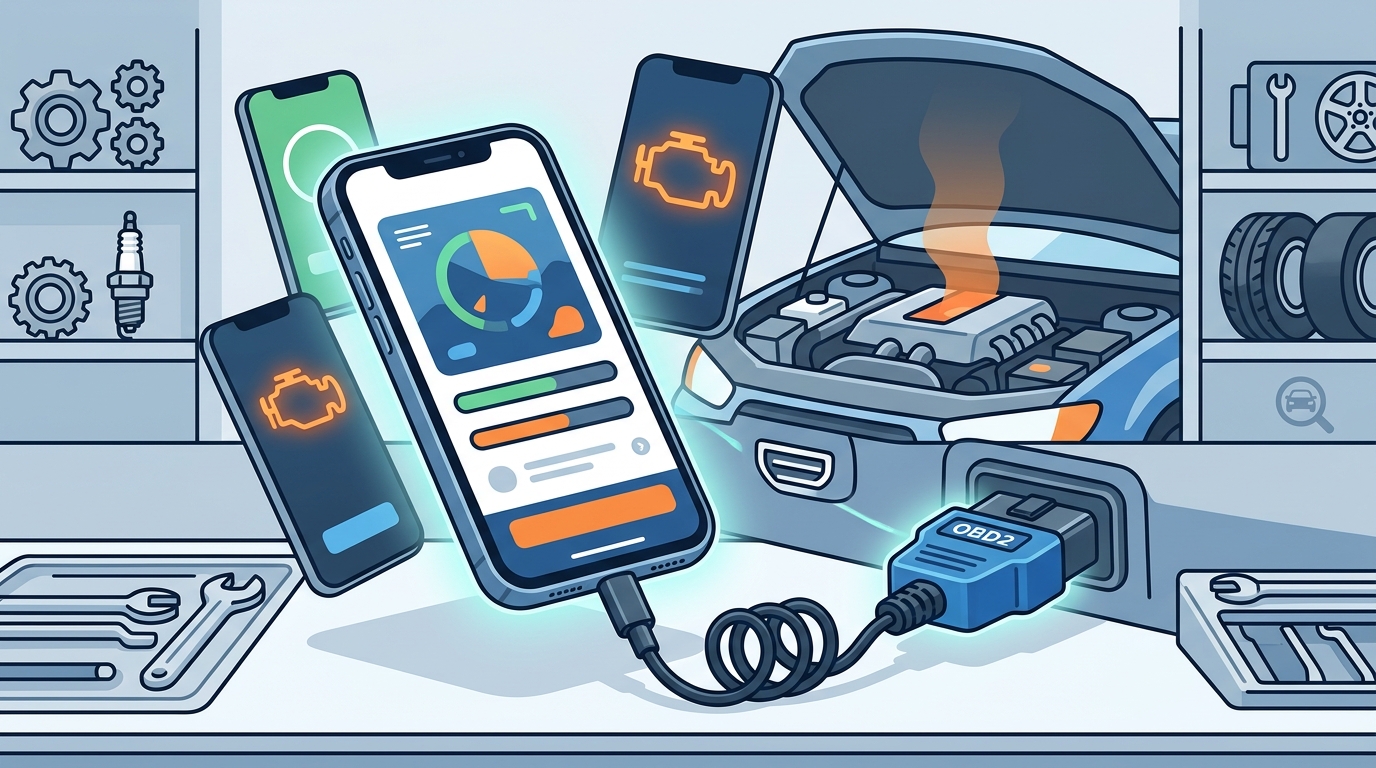
You plug a Bluetooth or Wi-Fi OBD2 adapter into the port under your dashboard. The app on your phone connects to that adapter and reads diagnostic trouble codes (DTCs), live sensor data, and freeze-frame information. Generic ELM327 adapters cost as little as $10 to $25 online.
What They Can and Cannot Do
Most free apps handle generic powertrain codes well. They can read and clear check engine lights, display real-time RPM, coolant temperature, and fuel trim data. However, they typically cannot access advanced systems like ABS, airbags, or transmission modules without manufacturer-specific protocols. That is where AI-based diagnostic tools fill the gap.
Best Free and Affordable Car Diagnostic Apps
Car Scanner ELM OBD2
Car Scanner ELM OBD2 is a vehicle diagnostics tool and scanner that uses an OBD II Wi-Fi or Bluetooth adapter to connect to your engine management system. It offers the most functionality for free of any OBD2 app in 2026. The free version includes code reading, live data, and even some EV and hybrid diagnostics. The Pro upgrade costs a one-time $5 fee to remove ads and unlock additional features. It works on both Android and iOS.
Torque Lite / Torque Pro
Torque is often called the grandfather of OBD2 apps. Torque Lite is free and covers basic code reading and live gauges. Torque Pro costs $4.99 as a one-time purchase and adds customizable dashboards, data logging, and third-party plugin support. It is Android-only, which limits its audience, but it remains a favorite among DIY enthusiasts.
BlueDriver
BlueDriver is a diagnostic app designed entirely for non-technical car owners. It automatically identifies your vehicle and scans for codes. The app itself is free, but it requires a proprietary BlueDriver sensor that costs roughly $100. Its standout feature is "Confirmed Fix" repair reports pulled from a database of real-world repairs.
AndrOBD (Open Source)
AndrOBD is a free and open-source OBD-II scanner for Android. It lets you read fault codes, monitor live data, and log sessions with no ads and no paywalls. It works with any generic ELM327 adapter, making it the most budget-friendly option for technically inclined users.
Side-by-Side Comparison Table
| App | Platform | App Cost | Adapter Needed | Adapter Cost | Key Strength |
|---|---|---|---|---|---|
| Car Scanner ELM | Android, iOS | Free (Pro $5) | Generic ELM327 | $10 - $25 | Most free features, EV support |
| Torque Lite / Pro | Android only | Free / $4.99 | Generic ELM327 | $10 - $25 | Custom dashboards, plugins |
| BlueDriver | Android, iOS | Free app | Proprietary BlueDriver | ~$100 | Confirmed Fix reports |
| AndrOBD | Android only | Free (open source) | Generic ELM327 | $10 - $25 | No ads, fully open source |
| AutoUncover | Web (any device) | Free tier available | None required | $0 | AI diagnosis, no hardware needed |
Limitations of OBD2-Based Apps
OBD2 apps are powerful but not complete solutions. They require a physical adapter plugged into your car. They primarily read generic powertrain codes, and coverage of manufacturer-specific systems varies widely. iPhones add another wrinkle: they require Bluetooth Low Energy (BLE) adapters, and standard Bluetooth or Wi-Fi ELM327 dongles may not work.
Perhaps the biggest limitation is interpretation. An app might tell you that code P0301 means a cylinder 1 misfire, but it will not tell you whether the root cause is a bad spark plug, a failing ignition coil, or a vacuum leak. Translating codes into actionable repair guidance is where most free apps fall short.
AI Car Diagnostics: The Next Step
AI car diagnostics is the use of artificial intelligence to analyze vehicle symptoms and recommend likely causes and repairs. Unlike traditional OBD2 apps that simply display raw codes, AI platforms interpret those symptoms in context.
AutoUncover takes a different approach entirely. You describe what your car is doing in plain language, and the AI returns a diagnosis verified against real repair outcomes. There is no adapter to buy and no codes to look up. This makes it accessible to anyone with a phone or computer, especially drivers who are not comfortable interpreting technical data.
For the best results, many car owners use a combination: an OBD2 app to pull raw codes, then AutoUncover's AI engine to understand what those codes actually mean for their specific vehicle.
When to Use Which Tool
Use a free OBD2 app when you need raw data, live sensor readings, or want to clear a code after a repair. Use an AI diagnostic platform when you want to understand the likely cause of a symptom, estimate repair costs, or get a second opinion before visiting a mechanic. Explore AutoUncover Premium for deeper analysis and priority support.
Key Takeaways
- Car Scanner ELM OBD2 offers the widest set of free features in 2026, including EV and hybrid battery diagnostics.
- All OBD2 apps require a physical Bluetooth or Wi-Fi adapter, typically costing $10 to $25 for a generic ELM327 unit.
- BlueDriver offers the best experience for beginners, but its proprietary sensor costs around $100.
- Open-source options like AndrOBD provide ad-free diagnostics at zero cost for Android users.
- OBD2 apps show codes but rarely explain root causes, which is the core limitation.
- AI diagnostic platforms like AutoUncover require no hardware and translate symptoms into plain-language repair guidance.
- Combining an OBD2 app with AI diagnostics gives car owners the most complete picture before visiting a shop.
Frequently Asked Questions
Do free car diagnostic apps really work?
Yes, several free apps reliably read and clear generic OBD-II trouble codes. Car Scanner ELM and Torque Lite are well-reviewed options that connect through inexpensive adapters. However, their usefulness depends on the adapter quality and the depth of diagnosis you need.
Do I need to buy hardware to use a car diagnostic app?
Most OBD2 apps require a Bluetooth or Wi-Fi adapter plugged into your car's OBD-II port. Generic ELM327 adapters cost $10 to $25. AI-based tools like AutoUncover work without any hardware at all.
What is the best free OBD2 app for iPhone?
Car Scanner ELM OBD2 is widely considered the best free option for iOS. It supports Bluetooth Low Energy adapters and offers code reading, live data, and basic EV diagnostics in its free tier.
Can a phone app replace a professional mechanic?
No. Diagnostic apps and AI tools help you understand what might be wrong, but they cannot physically repair your vehicle. They are best used to make informed decisions before and during a shop visit.
What is the difference between OBD2 apps and AI car diagnostics?
OBD2 apps read raw data and trouble codes from your car's computer through a physical adapter. AI car diagnostics, like the system used by AutoUncover, analyze symptoms in plain language and match them against verified repair data to suggest likely causes, with no adapter required.
Are OBD2 apps safe for my car?
Reading codes and sensor data is completely safe. Clearing codes is generally safe but may reset your emissions readiness monitors. Coding or changing hidden vehicle settings carries more risk and should only be done if you understand the implications.
Will these apps work on older vehicles?
All gas-powered cars sold in the U.S. after 1996 are required to have an OBD-II port, so most apps will connect. Vehicles manufactured before 1996 use older protocols that these apps do not support.
How accurate are AI car diagnostic tools?
Accuracy varies by platform. AutoUncover verifies its AI diagnoses against real repair outcomes, which improves reliability over time. No tool is 100% accurate, but AI diagnostics can significantly narrow down the list of likely issues before you spend money at a shop.
Get a Free AI Diagnosis Now
Stop guessing and start knowing. Describe your car's symptoms on AutoUncover and get an AI-powered diagnosis verified by real repairs. No adapter needed, no app to install, and no technical knowledge required.