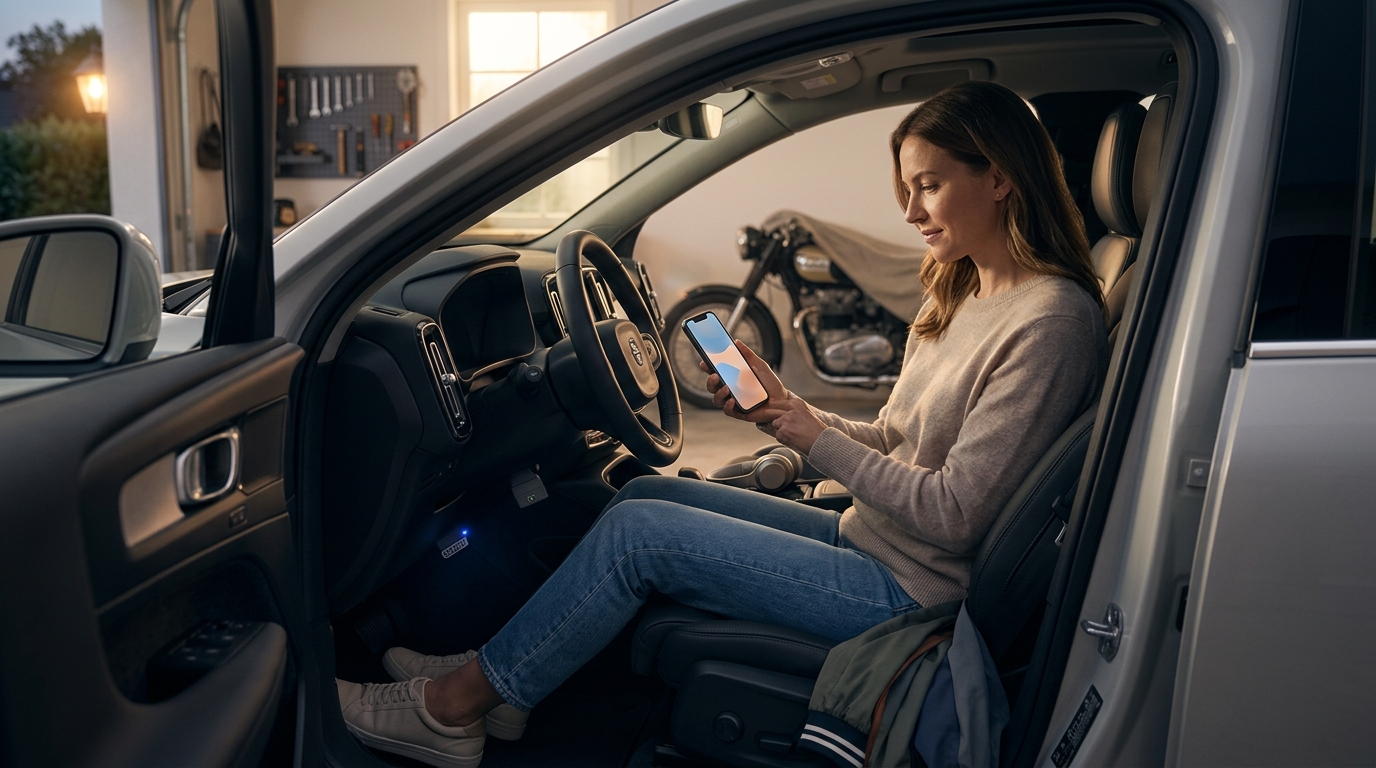
Your check engine light just came on and your stomach dropped. Before you rush to a mechanic and spend $100 or more on a diagnostic scan, know this: there are free and affordable car diagnostic apps that genuinely deliver useful results. Some connect to your vehicle through an OBD-II adapter, while others use AI to interpret your symptoms without any hardware at all. In this guide, we break down which free diagnostic apps are worth your time, what they can and cannot do, and how AI-powered alternatives like AutoUncover are changing the game for everyday car owners.
What Is OBD-II and Why Does It Matter?
OBD-II (On-Board Diagnostics, second generation) is a standardized vehicle self-diagnostic and reporting system built into every car. In 1996, the U.S. Environmental Protection Agency made OBD-II mandatory for all cars and light trucks sold in the United States, according to Geotab. That means virtually every car on American roads today has a 16-pin diagnostic port, typically located under the dashboard on the driver's side.
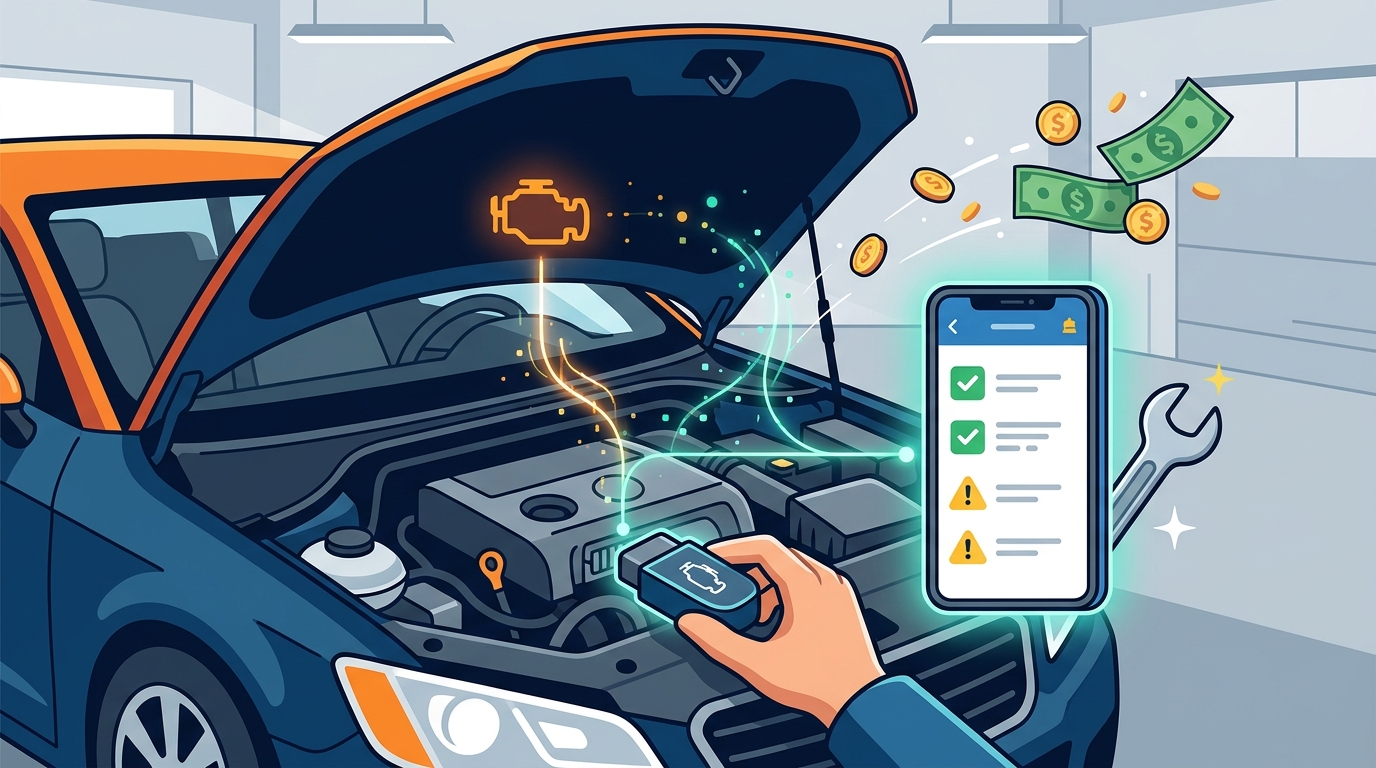
When your car's sensors detect a problem, they generate a Diagnostic Trouble Code (DTC). A DTC is a standardized alphanumeric code that identifies a specific malfunction in a vehicle's system. Free diagnostic apps read these codes by connecting to the OBD-II port through a Bluetooth or Wi-Fi adapter, translating raw data into information you can actually use.
Best Free Car Diagnostic Apps in 2026
Not all free apps are created equal. Many are little more than ad-filled shells. Here are the apps that genuinely deliver value.
Car Scanner ELM OBD2
Car Scanner ELM OBD2 is a vehicle diagnostics tool and scanner that uses a Bluetooth or Wi-Fi OBD-II adapter to connect to your engine management system. It works with generic ELM327 adapters (often under $15), making it one of the most affordable entry points. The free version includes code reading, live sensor data, and even some EV and hybrid battery diagnostics. The Pro upgrade costs a one-time $5 fee and removes the small banner ad.
Torque Lite (Android Only)
Torque Lite is a free utility that connects to your car's OBD-II system using a Bluetooth ELM adapter. It offers real-time gauges, fault code reading, and GPS-based trip logging. The paid version, Torque Pro, adds customizable dashboards and enhanced data logging for around $5.
AndrOBD (Open Source)
AndrOBD is a free, open-source OBD-II scanner for Android with no ads and no paywalls. It reads fault codes, monitors live data, and logs sessions. It pairs with any ELM327 adapter, making it ideal for privacy-conscious users who want full transparency in their software.
App Comparison Table
| App | Platform | Cost | Hardware Required | Key Strength |
|---|---|---|---|---|
| Car Scanner ELM | iOS & Android | Free (Pro: $5) | Generic ELM327 adapter | EV/Hybrid support, coding features |
| Torque Lite | Android | Free (Pro: ~$5) | Bluetooth ELM327 adapter | Custom gauges, trip logging |
| AndrOBD | Android | Free (open source) | ELM327 adapter | No ads, fully transparent code |
| BlueDriver | iOS & Android | Free app ($100+ sensor) | Proprietary BlueDriver sensor | Confirmed Fix repair reports |
| AutoUncover | Web (any device) | Free tier available | None | AI diagnosis verified by real repairs |
Limitations of Free OBD-II Apps
Free OBD-II apps are powerful, but they have clear boundaries. They read generic DTCs well, yet manufacturer-specific codes often require paid upgrades or proprietary hardware. A code like P0300 (random misfire) tells you what the computer detected, not why it happened.
Hardware Dependency
Every traditional OBD-II app requires a physical adapter plugged into your car's port. Budget ELM327 dongles work for basic scans, but connection stability and data accuracy vary. iPhone users face an additional hurdle: iOS requires Bluetooth Low Energy (BLE) adapters, and standard Bluetooth dongles will not connect.
Interpretation Is on You
Knowing the code is only half the battle. Free apps rarely explain what caused the fault or what repair is needed. This is where many car owners get stuck, staring at a code with no clear next step. Understanding how to use diagnostic tools effectively can bridge this knowledge gap.
How AI Car Diagnostics Fill the Gap
AI car diagnostics is a technology category where artificial intelligence interprets vehicle symptoms, sensor data, or owner descriptions to identify probable causes of car problems. Unlike traditional code readers that simply display a DTC, AI-powered platforms analyze context, symptoms, and repair history to suggest specific fixes.
AutoUncover takes a fundamentally different approach. Instead of requiring you to buy hardware and decode cryptic fault codes, you simply describe what your car is doing. The AI cross-references your symptoms against a database of diagnoses verified by real-world repairs, giving you actionable answers rather than raw codes.
This matters because most car owners are not mechanics. They notice symptoms like "rough idle when cold" or "grinding noise when braking," not OBD-II PIDs. AI diagnostics meet drivers where they are, translating everyday language into professional-grade insight. Explore the AutoUncover Premium plan for deeper analysis and priority support.
How to Choose the Right Diagnostic Tool
Your ideal tool depends on your technical comfort level and what you want to accomplish.
Choose a Free OBD-II App If...
You are comfortable buying a $10 to $20 Bluetooth adapter, you want raw sensor data and fault codes, and you have the mechanical knowledge to interpret results. Apps like Car Scanner ELM are excellent for DIY enthusiasts who already understand engine systems.
Choose an AI Diagnostic Platform If...
You want plain-language answers without buying hardware, you prefer diagnoses backed by verified repair outcomes, or you simply want to know what is wrong before visiting a shop. AutoUncover's AI diagnostics are built for this exact scenario.
Use Both Together
The smartest approach combines both. Pull your codes with a free OBD-II app, then describe your symptoms on AutoUncover to get a verified diagnosis that connects the code to a real-world fix. This two-step method saves money and gives you confidence before you ever walk into a repair shop.
Key Takeaways
- Car Scanner ELM OBD2 offers the most free functionality among OBD-II apps in 2026, including EV and hybrid support.
- All traditional diagnostic apps require a physical OBD-II adapter, typically costing $10 to $20 for a basic Bluetooth dongle.
- Free apps show fault codes but rarely explain the root cause or recommend a specific repair.
- AI diagnostic platforms like AutoUncover require no hardware and provide symptom-based diagnoses verified by real repairs.
- Every gas-powered car sold in the U.S. after 1996 has an OBD-II port, so most vehicles on the road are compatible.
- iPhone users need BLE-compatible adapters; standard Bluetooth ELM327 dongles will not work with iOS.
- Combining a free OBD-II app with AI diagnostics gives you the most complete picture before visiting a mechanic.
Frequently Asked Questions
Are free car diagnostic apps accurate?
Free OBD-II apps like Car Scanner ELM accurately read the fault codes stored in your car's computer. However, the code itself only identifies what the computer flagged, not the underlying cause. For root-cause analysis, AI-powered tools like AutoUncover provide deeper, verified diagnoses.
Do I need to buy hardware to use a car diagnostic app?
Most OBD-II apps require a Bluetooth or Wi-Fi adapter that plugs into your car's diagnostic port. These adapters range from $10 to $100+. AI-based diagnostic platforms like AutoUncover need no hardware at all.
What is the best free OBD2 app for iPhone?
Car Scanner ELM OBD2 is widely regarded as the best free option for iPhone in 2026. It supports Bluetooth Low Energy adapters required by iOS and includes features like code reading, live data, and basic vehicle coding.
Can a phone app replace a professional scan tool?
For basic code reading and live data, yes. For advanced diagnostics like ABS, airbag, or transmission modules, most free apps fall short. Professional-grade scan tools from brands like Snap-on or Autel still offer deeper system access.
What cars are compatible with OBD-II diagnostic apps?
All gasoline-powered cars and light trucks sold in the United States from 1996 onward are required to have an OBD-II port. Diesel vehicles have been required since 1997. That covers the vast majority of vehicles currently on the road.
How does AutoUncover differ from OBD-II apps?
AutoUncover uses AI to diagnose car problems based on symptom descriptions rather than OBD-II codes. You describe what your car is doing in plain language, and the platform returns diagnoses that have been verified against real repair outcomes. No adapter or technical knowledge is needed.
Is it safe to plug an OBD-II adapter into my car?
Generally, yes. OBD-II adapters are read-only devices by default. However, some advanced features like coding or resetting modules do write to your car's computer. Stick to reputable adapters and apps, and avoid leaving dongles plugged in when not in use to minimize any security risk.
Can I clear a check engine light with a free app?
Yes. Most free OBD-II apps can clear DTCs and turn off the check engine light. However, clearing the code does not fix the underlying problem. If the issue persists, the light will return. Always diagnose the root cause before clearing codes.
Get a Free AI Diagnosis Now
Stop guessing what is wrong with your car. Describe your symptoms on AutoUncover and get a diagnosis verified by real repairs, no hardware required, no mechanic visit needed. Try it free today.