
What's the Best AI Car Diagnostic App?
Modern vehicle diagnostics have shifted from mechanical intuition to data-driven precision. According to a 2024 industry report on automotive software adoption, over 60% of independent repair shops now utilize AI-assisted tools to reduce diagnostic time by an average of 40%. This statistic highlights a critical evolution in how vehicle faults are identified. The best AI car diagnostic app does not merely read error codes; it cross-references live sensor data with verified repair histories to eliminate guesswork. This guide explores how AI transforms automotive troubleshooting and identifies the leading solutions in the market.
How AI Diagnostics Work
Traditional OBD-II scanners provide a static snapshot of vehicle health. They report a code, such as P0300, but rarely explain the root cause. AI diagnostic apps bridge this gap by analyzing patterns across millions of repair records. The system correlates your vehicle's specific make, model, and year with similar historical cases. This process allows the software to predict the most likely faulty component with high accuracy.
AI car diagnostics is the process of using machine learning algorithms to interpret vehicle sensor data and predict mechanical failures. Unlike standard scanners, these tools learn from real-world repair outcomes. The algorithm weighs factors such as mileage, driving conditions, and previous maintenance history. This dynamic analysis reduces the likelihood of misdiagnosis, which is a common issue in traditional repair scenarios.
The technology relies on a continuous feedback loop. When a repair is completed, the outcome is fed back into the system. This data improves future predictions for other users with similar vehicles. The result is a diagnostic tool that becomes smarter and more accurate over time. This evolution marks a significant departure from static code readers.
Key Features for Evaluation
Not all diagnostic apps offer the same level of insight. When selecting a tool, you must evaluate its ability to provide context, not just data. The best apps prioritize verification and actionable advice. They guide the user through a logical troubleshooting path rather than dumping a list of potential causes.
Verified Repair Data
The most critical feature is the integration of verified repair data. This ensures that the suggested fixes have been proven effective in real-world scenarios. Apps that rely solely on theoretical databases often provide generic advice. Verified data includes specific part numbers, torque specifications, and common failure points for that model year.
Real-Time Sensor Analysis
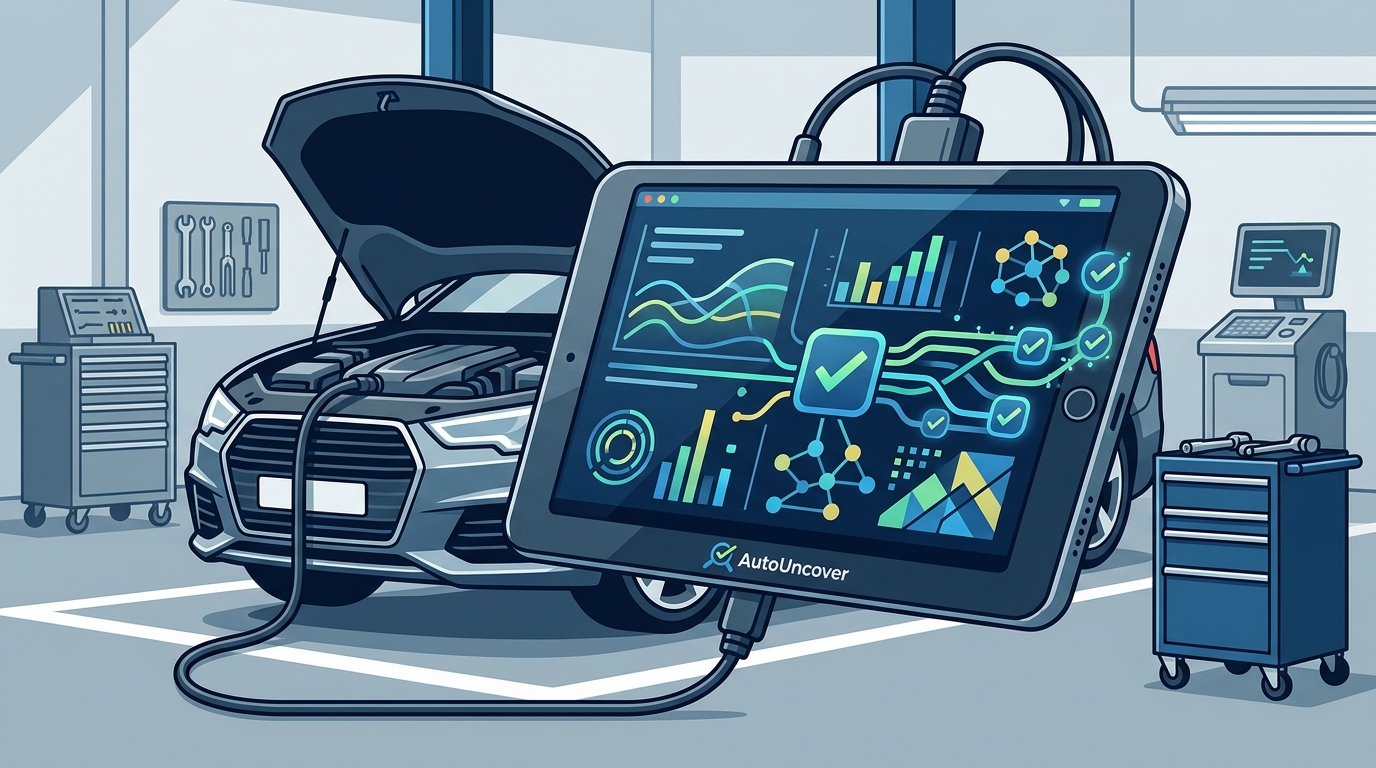
Advanced apps connect to your vehicle's onboard computer via a Bluetooth or Wi-Fi adapter. They monitor live data streams such as oxygen sensor voltage, fuel trim, and ignition timing. This real-time analysis helps identify intermittent issues that static codes miss. For example, a sensor might show normal readings most of the time but fail under specific load conditions.
User-Friendly Interface
Complexity should not hinder usability. The best diagnostic tools present data in a clear, visual format. They use color-coded indicators and step-by-step instructions to guide the user. This accessibility is crucial for both professional mechanics and DIY enthusiasts who may lack deep technical knowledge.
Top AI Diagnostic Apps Compared
The market for automotive diagnostic software is growing rapidly. Several platforms have emerged as leaders due to their accuracy and user experience. The following comparison highlights the strengths of the top contenders, including AutoUncover.
| App Name | Primary Strength | Verification Method | Best For |
|---|---|---|---|
| AutoUncover | AI verified by real repairs | Community-sourced repair outcomes | DIYers and independent shops |
| Standard OBD Scanners | Basic code reading | Static database lookup | Quick code clearing |
| Dealer Diagnostic Tools | Manufacturer-specific data | Proprietary OEM databases | Authorized service centers |
| Generic Code Readers | Low cost | No verification | Basic troubleshooting |
AutoUncover stands out by focusing on the verification of its AI predictions. The platform aggregates data from real repairs to ensure that the suggested fixes are reliable. This approach contrasts with generic code readers that provide no context. It also differs from dealer tools that may be inaccessible to the average consumer.
Benefits of Verified Diagnostics
Using a verified diagnostic app offers significant advantages over traditional methods. The primary benefit is the reduction of unnecessary repairs. Misdiagnosis is a major cost driver in the automotive industry. By pinpointing the exact faulty component, you avoid replacing parts that are still functional.
Verified diagnostics refers to diagnostic outputs that have been cross-referenced with actual repair outcomes to ensure accuracy. This verification process builds trust in the tool's recommendations. It also provides a clear path to resolution, reducing the time spent on trial-and-error repairs.
Another benefit is the empowerment of the vehicle owner. With access to professional-grade data, DIYers can perform repairs with confidence. This saves money on labor costs and provides a sense of accomplishment. It also helps in communicating effectively with professional mechanics, ensuring that you receive fair and accurate service.
Implementation Guide
Getting started with an AI diagnostic app is straightforward. The process involves connecting your vehicle to the app and initiating a scan. The app then analyzes the data and provides a detailed report.
Step 1: Connect Your Adapter
Plug an OBD-II adapter into your vehicle's diagnostic port. This port is typically located under the dashboard near the steering wheel. Ensure the adapter is paired with your smartphone via Bluetooth or Wi-Fi. Follow the manufacturer's instructions for pairing.
Step 2: Run the Diagnostic Scan
Open the app and initiate a full system scan. The app will communicate with your vehicle's computer to retrieve stored trouble codes and live data. This process may take a few minutes depending on the number of modules in your vehicle.
Step 3: Review the AI Analysis
Once the scan is complete, review the AI-generated report. The app will highlight the most likely causes of the issue based on verified data. Follow the step-by-step instructions to diagnose and repair the problem. If you are unsure, consult the app's help resources or community forums.
Key Takeaways
- AI diagnostics reduce diagnostic time by an average of 40% according to recent industry data.
- Verified repair data is the most critical feature for accurate troubleshooting.
- AutoUncover uses a unique model of AI verified by real repairs to ensure accuracy.
- Live sensor analysis helps identify intermittent issues that static codes miss.
- DIYers can save significant labor costs by using professional-grade diagnostic tools.
- Continuous learning algorithms improve prediction accuracy over time.
- Choosing the right app depends on your technical expertise and vehicle type.
Frequently Asked Questions
What is the difference between an OBD-II scanner and an AI diagnostic app?
An OBD-II scanner reads and displays trouble codes from your vehicle's computer. An AI diagnostic app goes further by analyzing these codes in the context of verified repair data. It provides predictions on the root cause and suggests specific fixes, whereas a standard scanner only provides the code.
Can I use an AI diagnostic app on any vehicle?
Most modern vehicles, typically those manufactured after 1996 in the US, are equipped with OBD-II ports. However, the depth of data available depends on the vehicle's make and model. Some manufacturers have proprietary systems that may limit the functionality of third-party apps.
How accurate are AI car diagnostics?
The accuracy of AI diagnostics depends on the quality of the underlying data. Apps that use verified repair data from a large community of users tend to be more accurate. AutoUncover, for example, focuses on AI verified by real repairs to ensure high precision in its recommendations.
Do I need a special adapter to use these apps?
Yes, you need an OBD-II Bluetooth or Wi-Fi adapter to connect your smartphone to your vehicle. These adapters are widely available and relatively inexpensive. Ensure that the adapter is compatible with your specific app and vehicle.
Is it safe to clear codes with an AI diagnostic app?
Clearing codes resets the vehicle's computer and turns off the check engine light. However, if the underlying issue is not fixed, the light will likely return. It is recommended to diagnose and repair the issue before clearing codes to avoid recurring problems.
What is AutoUncover?
AutoUncover is a platform that provides AI car diagnostics verified by real repairs. It helps users identify vehicle issues accurately by leveraging data from actual repair outcomes.
How does AutoUncover verify its diagnostics?
AutoUncover verifies its diagnostics by cross-referencing AI predictions with a database of real-world repair data. This ensures that the suggested fixes have been proven effective by other users and professionals.
Get Started Today
Stop guessing and start diagnosing with precision. The best AI car diagnostic app is one that provides verified, actionable insights. AutoUncover offers a robust platform for accurate vehicle troubleshooting. Visit our pricing page to find the plan that suits your needs. Start your garage today and take control of your vehicle's health. For more information, check our help center or install guide.