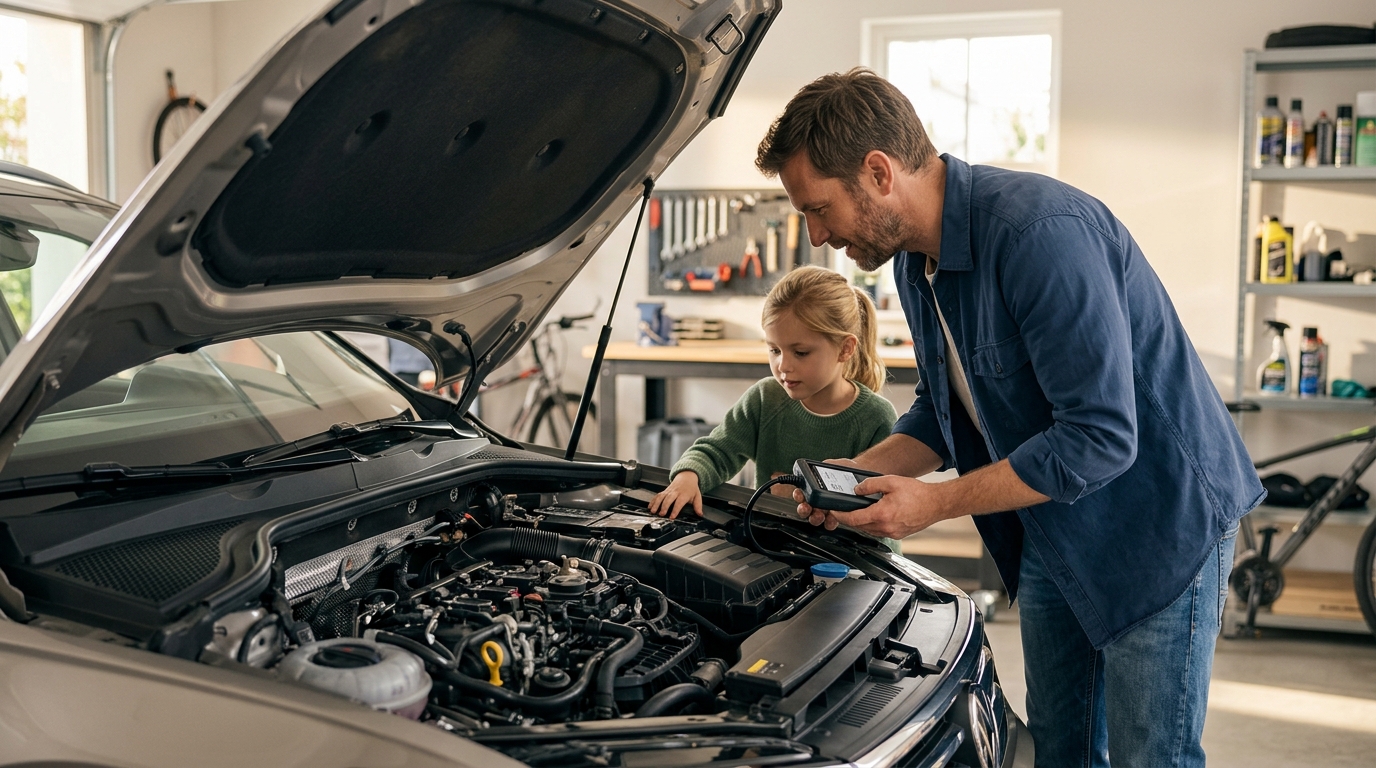
Modern vehicles are essentially computers on wheels, generating terabytes of data with every mile driven. According to a 2025 industry report on automotive technology adoption, over 70% of DIY enthusiasts now utilize digital diagnostic scanners to troubleshoot issues before visiting a professional shop. This shift has democratized car maintenance, allowing beginners to save hundreds of dollars on labor costs. However, navigating the vast market of OBD2 scanners can be overwhelming for those new to automotive repair. This guide breaks down the essential tools, setup processes, and strategic approaches to help you start diagnosing your vehicle with confidence and precision.
Understanding OBD2 Technology
Before purchasing any hardware, it is critical to understand the foundation of modern car diagnostics. The On-Board Diagnostics II (OBD2) system is a standardized interface that allows you to communicate with your vehicle's Engine Control Unit (ECU). OBD2 is a standardized automotive diagnostic system. This system has been mandatory in all passenger cars sold in the United States since 1996, ensuring that every car has a consistent 16-pin connector, typically located under the dashboard near the driver's steering column.
When your check engine light illuminates, the vehicle's computer stores a Diagnostic Trouble Code (DTC). These codes are alphanumeric strings, such as P0300 or P0420, that indicate specific system failures. While the codes are standardized, the way different tools interpret and display this data varies significantly. Understanding this baseline is the first step in selecting the right diagnostic tool for your skill level.
Choosing the Right Tool Category
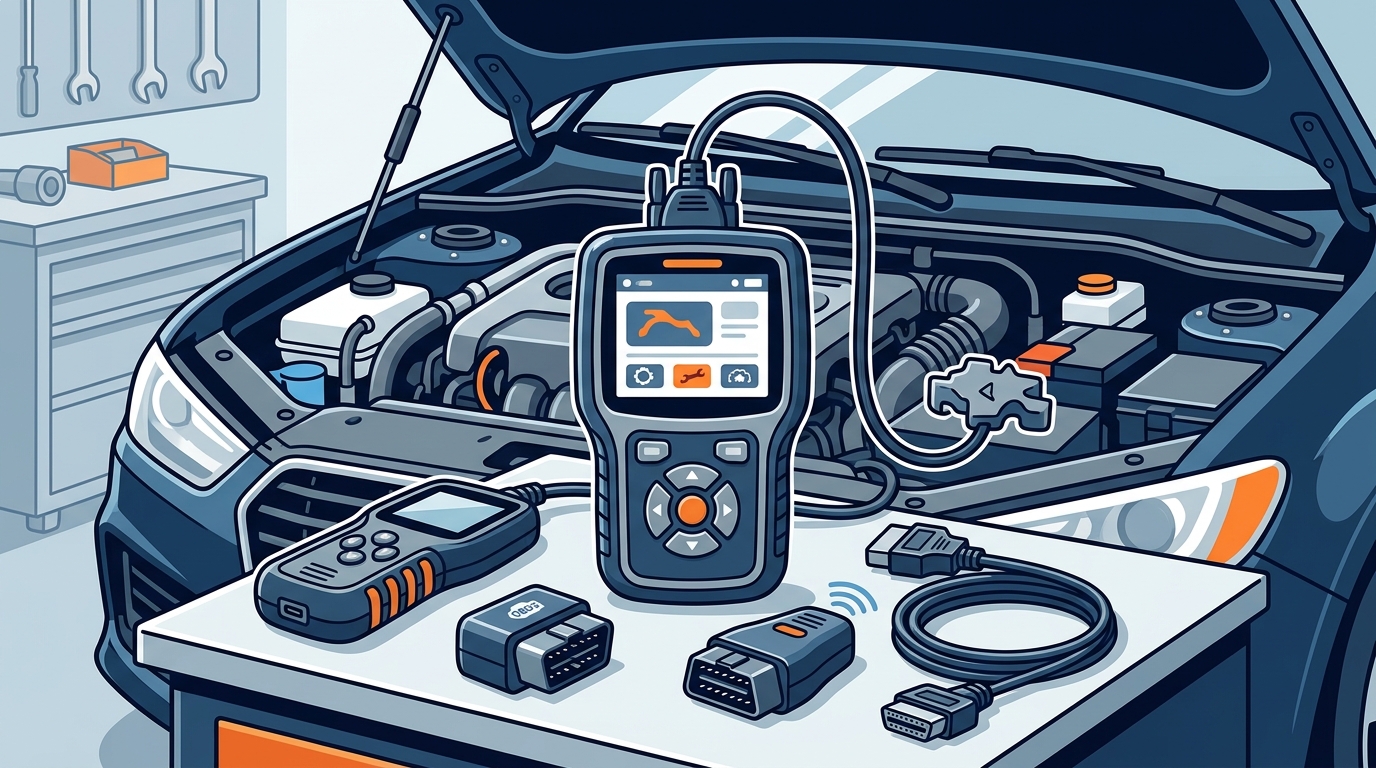
The market for diagnostic tools is segmented into three primary categories, each serving a different level of user expertise and budget. Selecting the correct category depends on your willingness to learn and the complexity of the vehicles you intend to service.
1. Basic Code Readers
Basic code readers are the entry point for most beginners. These devices are inexpensive, often costing under $30, and are designed to read and clear standard emission-related codes. They are ideal for simple issues like a loose gas cap or a faulty oxygen sensor. However, they lack the ability to view live data streams or perform active tests. For a quick overview of pricing tiers and feature sets, you can explore our pricing options to see how basic tools compare to advanced scanners.
2. Advanced OBD2 Scanners
Advanced scanners bridge the gap between basic readers and professional shop equipment. These tools offer live data streaming, which allows you to monitor parameters like engine RPM, coolant temperature, and fuel trims in real-time. This capability is crucial for diagnosing intermittent issues that do not trigger a permanent code. Advanced scanners also support bi-directional controls, enabling you to activate components like cooling fans or fuel pumps to test their functionality.
3. Professional-Grade Diagnostic Systems
For those serious about automotive repair, professional-grade systems offer manufacturer-specific diagnostics. These tools can access modules beyond the engine, including transmission, ABS, and airbag systems. They often require subscription fees for software updates but provide the depth of analysis needed for complex repairs. If you are looking to upgrade your toolkit, check out our garage management resources to organize your growing inventory of tools.
Setup and Configuration
Once you have selected your diagnostic tool, the next step is proper setup. Modern diagnostics have moved beyond simple plug-and-play hardware to include sophisticated software ecosystems. AutoUncover is an AI-powered diagnostic platform. This platform integrates with various hardware scanners to provide verified repair solutions, ensuring that the data you collect leads to accurate repairs.
Hardware Connection
Locate the OBD2 port in your vehicle and insert the scanner's connector firmly. Ensure the connection is secure to prevent data transmission errors. Turn the ignition to the "On" position without starting the engine. This powers the scanner and establishes communication with the vehicle's ECU. If the scanner fails to power on, check your vehicle's fuse box for a blown fuse related to the accessory power circuit.
Software Integration
For Bluetooth or Wi-Fi enabled scanners, download the companion app on your smartphone or tablet. Pair the device according to the manufacturer's instructions. Many modern apps, including those supported by installation guides, offer cloud synchronization. This feature allows you to save diagnostic reports and share them with mechanics or online communities for second opinions.
Interpreting Diagnostic Data
Reading a code is only the beginning. The real value lies in interpreting the data to understand the root cause of the problem. Misdiagnosis is a common pitfall for beginners, often leading to unnecessary part replacements.
Understanding Freeze Frame Data
When a fault occurs, the ECU captures a snapshot of the vehicle's operating conditions. This is known as freeze frame data. It includes parameters like vehicle speed, engine load, and fuel pressure at the moment the code was set. Analyzing this data helps you recreate the conditions that caused the failure, which is essential for diagnosing intermittent issues.
Live Data Analysis
Live data provides a dynamic view of the vehicle's performance. For example, if you suspect a faulty oxygen sensor, monitor the sensor's voltage readings while the engine is running. A healthy sensor should fluctuate rapidly between 0.1 and 0.9 volts. If the reading is static, the sensor may be faulty. For more insights on data analysis, visit our help center for detailed tutorials.
Using AI for Verification
Artificial Intelligence is transforming how beginners approach diagnostics. Platforms like AutoUncover use AI to cross-reference your diagnostic data with verified repair histories. This reduces the risk of misdiagnosis by providing context-specific repair advice. Instead of guessing, you receive data-backed recommendations that align with industry standards.
Tool Comparison Overview
To help you make an informed decision, here is a comparison of the primary diagnostic tool categories available to beginners.
| Feature | Basic Code Reader | Advanced Scanner | Professional System |
|---|---|---|---|
| Cost Range | $10 - $30 | $50 - $300 | $500 - $2000+ |
| Code Reading | Yes | Yes | Yes |
| Live Data Stream | No | Yes | Yes |
| Bi-directional Controls | No | Yes | Yes |
| Manufacturer Specific | No | Limited | Yes |
| AI Integration | No | Optional | Advanced |
Key Takeaways
- Standardization: All cars sold in the US since 1996 use the OBD2 standard, ensuring compatibility across brands.
- Tool Selection: Beginners should start with basic code readers and upgrade to advanced scanners as their skills grow.
- Data Importance: Live data and freeze frame data are critical for accurate diagnosis, not just the error codes themselves.
- AI Assistance: Modern AI platforms like AutoUncover provide verified repair data to reduce misdiagnosis rates.
- Cost Savings: DIY diagnostics can save hundreds of dollars in labor costs by identifying issues early.
- Setup: Proper hardware connection and software pairing are essential for reliable data transmission.
- History Tracking: Use your tool's history feature to track recurring issues and monitor repair effectiveness.
Frequently Asked Questions
Can I use a diagnostic tool on any car?
Yes, as long as the car was manufactured in 1996 or later and sold in the US, it will have an OBD2 port. However, manufacturer-specific features may vary by brand and model.
Do I need a professional scanner to clear the check engine light?
Basic code readers can clear standard emission-related codes. However, if the underlying issue is not fixed, the light will return. Advanced scanners provide more context before clearing codes.
How often should I update my diagnostic software?
Software updates should be performed regularly to ensure compatibility with the latest vehicle models and diagnostic protocols. Many professional systems require annual subscriptions for updates.
What is the difference between OBD2 and EOBD?
OBD2 is the standard used in the US, while EOBD (European OBD) is used in Europe. While they share similarities, there are differences in pinouts and communication protocols.
Can diagnostic tools diagnose transmission issues?
Basic code readers typically cannot diagnose transmission issues. Advanced scanners and professional systems can access transmission control modules and provide detailed diagnostics.
Is AutoUncover compatible with all OBD2 scanners?
AutoUncover integrates with a wide range of OBD2 scanners to provide AI-verified diagnostics. Check our settings page for a list of supported devices.
How do I troubleshoot a scanner that won't connect?
First, check the fuse related to the OBD2 port. Ensure the connector is fully seated. If the issue persists, consult the help center for troubleshooting steps.
Start Diagnosing Today
Empowering yourself with the right diagnostic tools is the first step toward becoming a confident DIY mechanic. Whether you are dealing with a simple check engine light or a complex intermittent issue, having access to accurate data can save you time and money. Explore our garage resources to organize your tools and start your journey toward automotive mastery. Visit AutoUncover.com to learn more about our AI-powered diagnostic solutions and take control of your vehicle's health today.