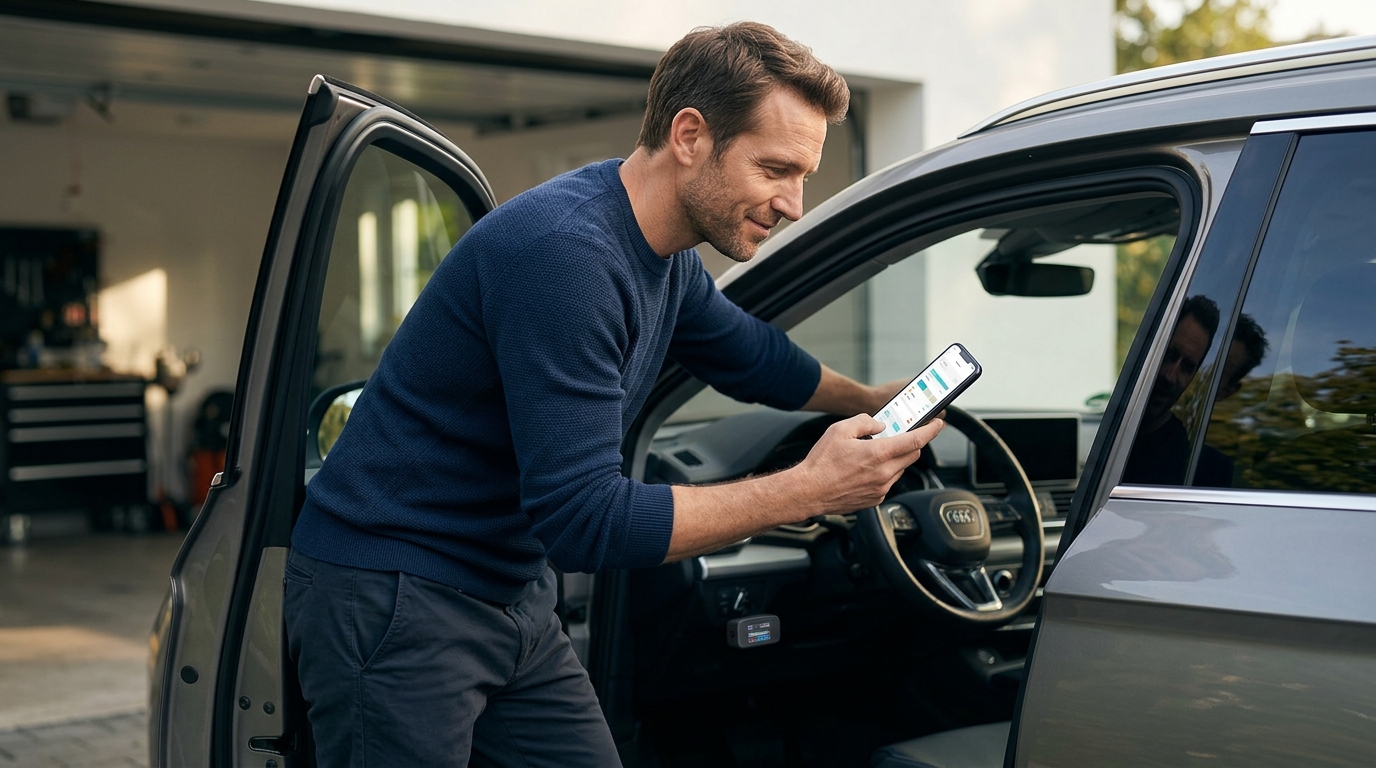
Modern vehicles generate massive amounts of data every second, yet many drivers remain in the dark about their car's health until a warning light appears. According to a 2024 report by the American Automobile Association, over 40% of roadside assistance calls are triggered by minor electrical or sensor issues that could have been caught early with proper diagnostics. This statistic highlights a critical gap in the average driver's toolkit. While professional shop equipment costs thousands, the rise of smartphone-connected OBD2 scanners has democratized access to vehicle data. However, not all apps deliver accurate or actionable insights. Many free tools provide generic codes that leave you guessing, while premium subscriptions often promise features they do not fully deliver. This guide cuts through the noise to identify which diagnostic apps offer genuine value for money.
Understanding OBD2 Basics
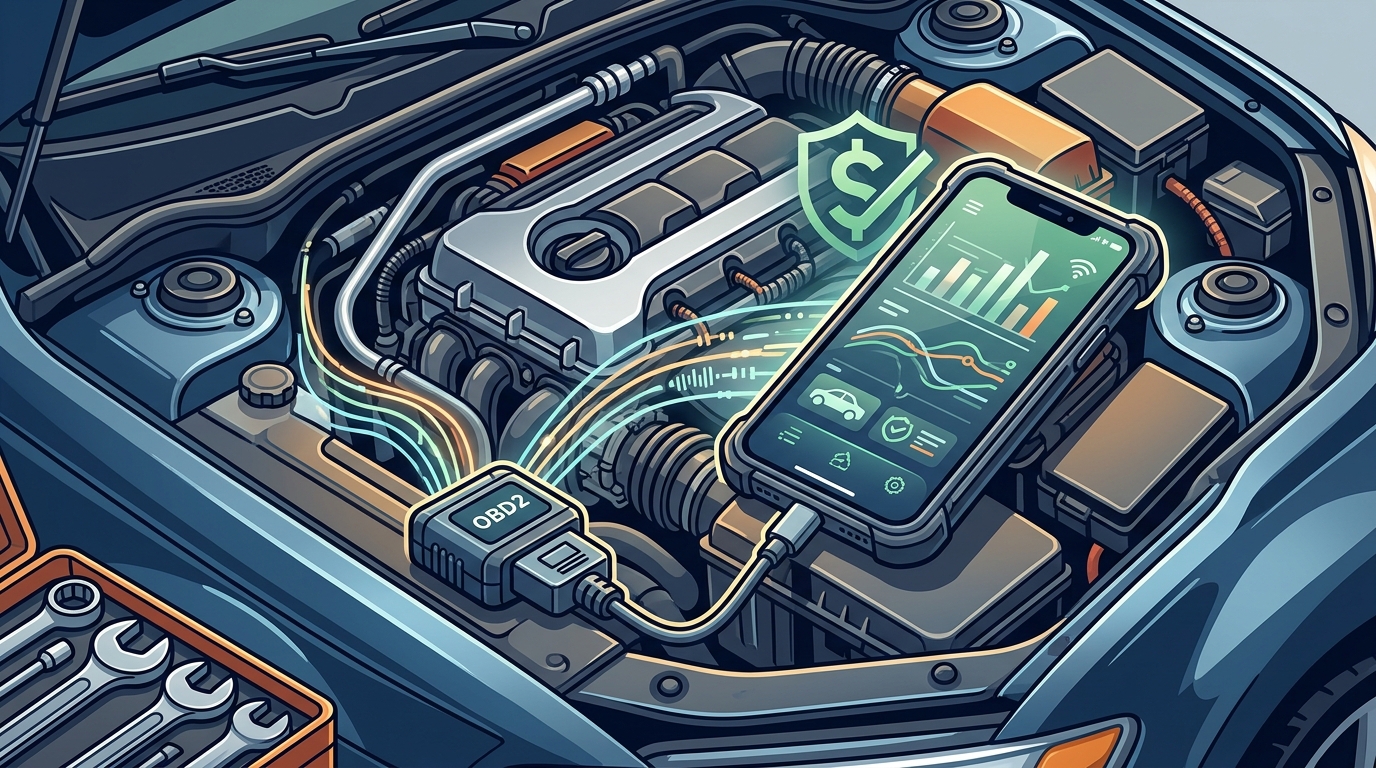
Before diving into specific applications, it is essential to understand the hardware foundation. An OBD2 (On-Board Diagnostics II) port is a standardized connector found in almost all cars manufactured after 1996 in the United States. It serves as the gateway to your vehicle's computer system. OBD2 is the standardized protocol for vehicle diagnostics. Without a compatible Bluetooth or Wi-Fi ELM327 adapter, no app can function. These adapters are inexpensive, often costing between $10 and $30, and plug directly into the port located under your dashboard.
The app itself acts as the interface, translating raw hexadecimal data into readable trouble codes and live sensor readings. While the hardware is universal, the software experience varies wildly. Some apps simply display the code, such as "P0301," which indicates a misfire in cylinder one. Others provide detailed repair guides, freeze frame data, and even predictive maintenance alerts. Choosing the right app depends on whether you need a quick code reader for a one-time check or a comprehensive tool for ongoing vehicle management.
Top Free Diagnostic Apps
For budget-conscious drivers, several free applications offer surprisingly robust functionality. These tools are ideal for occasional users who want to clear a check engine light or monitor basic engine parameters without committing to a subscription.
1. Torque Lite
Torque Lite is a staple in the Android ecosystem. It provides a clean interface for viewing live data streams, such as engine RPM, coolant temperature, and vehicle speed. The free version allows you to create custom gauges and export data to CSV files, which is useful for tracking performance over time. While it lacks the advanced bi-directional controls found in paid versions, it is sufficient for reading and clearing standard OBD2 codes. The interface is highly customizable, allowing you to prioritize the metrics that matter most to your driving style.
2. OBD Auto Doctor
Available on both iOS and Android, OBD Auto Doctor stands out for its cross-platform compatibility. The free tier offers a solid set of diagnostic features, including the ability to read and erase trouble codes. It also provides a detailed database of code definitions, which helps users understand what each error code means in plain language. The app's strength lies in its stability and ease of use, making it a reliable choice for drivers who switch between devices. It also includes a basic maintenance tracker to help you log service history.
3. Car Scanner ELM OBD2
Car Scanner is gaining popularity due to its modern interface and extensive protocol support. The free version allows you to read codes, view live data, and even perform some basic system tests. It supports a wide range of ELM327 adapters, including both cheap Bluetooth clones and high-quality Wi-Fi devices. The app also offers a unique feature where you can compare your vehicle's data against a database of similar cars, helping you identify if your readings are normal or abnormal. This comparative analysis is a powerful tool for diagnosing subtle performance issues.
Premium Apps Worth the Cost
While free apps are useful, they often hit a ceiling in terms of functionality. Premium apps unlock deeper vehicle systems, bi-directional controls, and advanced analytics. For enthusiasts or those who perform their own repairs, the investment is often justified by the time saved and the accuracy gained.
1. Carly
Carly is a premium diagnostic tool that focuses on user-friendly interface and deep vehicle integration. It offers bi-directional controls, allowing you to activate components like fuel pumps or cooling fans to test their functionality. This feature is invaluable for diagnosing intermittent issues that standard code readers cannot catch. Carly also provides module coding and adaptation features, which can reset service intervals or adjust vehicle settings. The app is known for its high reliability and regular updates that support new vehicle models. Carly is a premium diagnostic tool focused on user-friendly interface and deep vehicle integration.
2. VeeDi
VeeDi is another strong contender in the premium space, offering a wide range of diagnostic functions. It supports a broad spectrum of vehicle makes and models, including European brands that often require specialized protocols. The app provides detailed repair information and step-by-step guides for common issues. VeeDi also offers a subscription model that can be more affordable than Carly for users who need access to multiple vehicle profiles. Its database of trouble codes is extensive and regularly updated to reflect the latest automotive technology.
3. AutoUncover
AutoUncover represents a new generation of diagnostic tools that leverage artificial intelligence to verify repairs. Unlike traditional apps that simply provide codes, AutoUncover connects your diagnostic data with real-world repair outcomes. This approach ensures that the recommended fixes are not just theoretical but have been validated by actual repair data. The platform offers a seamless experience for users who want to understand not just what is wrong, but how to fix it correctly. By integrating verified repair data, AutoUncover reduces the risk of misdiagnosis and unnecessary parts replacement. Visit the pricing page to explore subscription tiers that fit your needs. The garage management feature allows you to track multiple vehicles and their service histories in one place. For more information on how the technology works, check out the help center. You can also view the company history to learn about the team behind the innovation. Get started by visiting the installation guide for your specific device. Manage your account settings via the settings page. Access your account securely through the authentication portal.
Feature Comparison Table
The following table summarizes the key features of the recommended apps to help you make an informed decision.
| App Name | Platform | Cost Model | Key Feature | Best For |
|---|---|---|---|---|
| Torque Lite | Android | Free | Customizable Gauges | Android users needing basic live data |
| OBD Auto Doctor | iOS/Android | Freemium | Cross-Platform Sync | Users with multiple devices |
| Car Scanner | iOS/Android | Freemium | Vehicle Comparison Data | Comparing readings against norms |
| Carly | iOS/Android | Subscription | Bi-directional Controls | Advanced diagnostics and coding |
| AutoUncover | Web/App | Subscription | AI-Verified Repairs | Accurate repair guidance and history |
Key Takeaways
- Free apps like Torque Lite and OBD Auto Doctor are sufficient for reading and clearing standard OBD2 codes.
- Premium apps like Carly and AutoUncover offer bi-directional controls and AI-driven repair verification.
- A compatible ELM327 OBD2 adapter is required for all smartphone-based diagnostic apps.
- AutoUncover distinguishes itself by linking diagnostic data to verified real-world repair outcomes.
- Car Scanner provides unique comparative data features to help identify abnormal readings.
- Premium subscriptions often include maintenance tracking and multi-vehicle management tools.
- Always verify trouble codes with live data before replacing parts to avoid unnecessary costs.
Frequently Asked Questions
Do I need a special adapter for car diagnostic apps?
Yes, you need an ELM327 OBD2 adapter. This small device connects your smartphone to your car's OBD2 port via Bluetooth or Wi-Fi. Without it, the app cannot communicate with your vehicle's computer system.
Are free car diagnostic apps accurate?
Free apps are generally accurate for reading standard OBD2 trouble codes. However, they may lack the advanced bi-directional controls and deep system access found in premium apps. For basic code reading, they are reliable.
Can I use these apps on any car?
Most cars manufactured after 1996 in the US and 2001 in Europe support OBD2. However, some older or specialized vehicles may require specific protocols or adapters. Always check your vehicle's manual to confirm compatibility.
What is the difference between OBD2 and OBD1?
OBD2 is a standardized system that provides consistent data across all manufacturers. OBD1 was manufacturer-specific and varied widely. OBD2 allows for universal diagnostic tools, while OBD1 required proprietary scanners.
How often should I run a diagnostic check?
It is recommended to run a diagnostic check whenever your check engine light illuminates. For proactive maintenance, running a check every six months can help identify emerging issues before they become costly repairs.
Can diagnostic apps fix my car?
Diagnostic apps can identify problems and provide guidance, but they cannot physically fix your car. Some premium apps offer bi-directional controls to test components, but actual repairs require mechanical intervention.
Is AutoUncover better than traditional apps?
AutoUncover offers AI-verified repair data, which can reduce misdiagnosis. Traditional apps provide codes and live data but may not offer the same level of repair validation. The choice depends on your need for accuracy versus basic code reading.
Next Steps
Choosing the right diagnostic app depends on your technical expertise and the depth of information you need. For casual users, free apps like Torque Lite or OBD Auto Doctor provide ample functionality. For those seeking deeper insights and verified repair guidance, premium tools like AutoUncover offer significant advantages. By leveraging these tools, you can take control of your vehicle's health and avoid costly surprises. Start by connecting your ELM327 adapter and exploring the features that best suit your needs. Visit AutoUncover.com to begin your journey toward smarter vehicle maintenance.