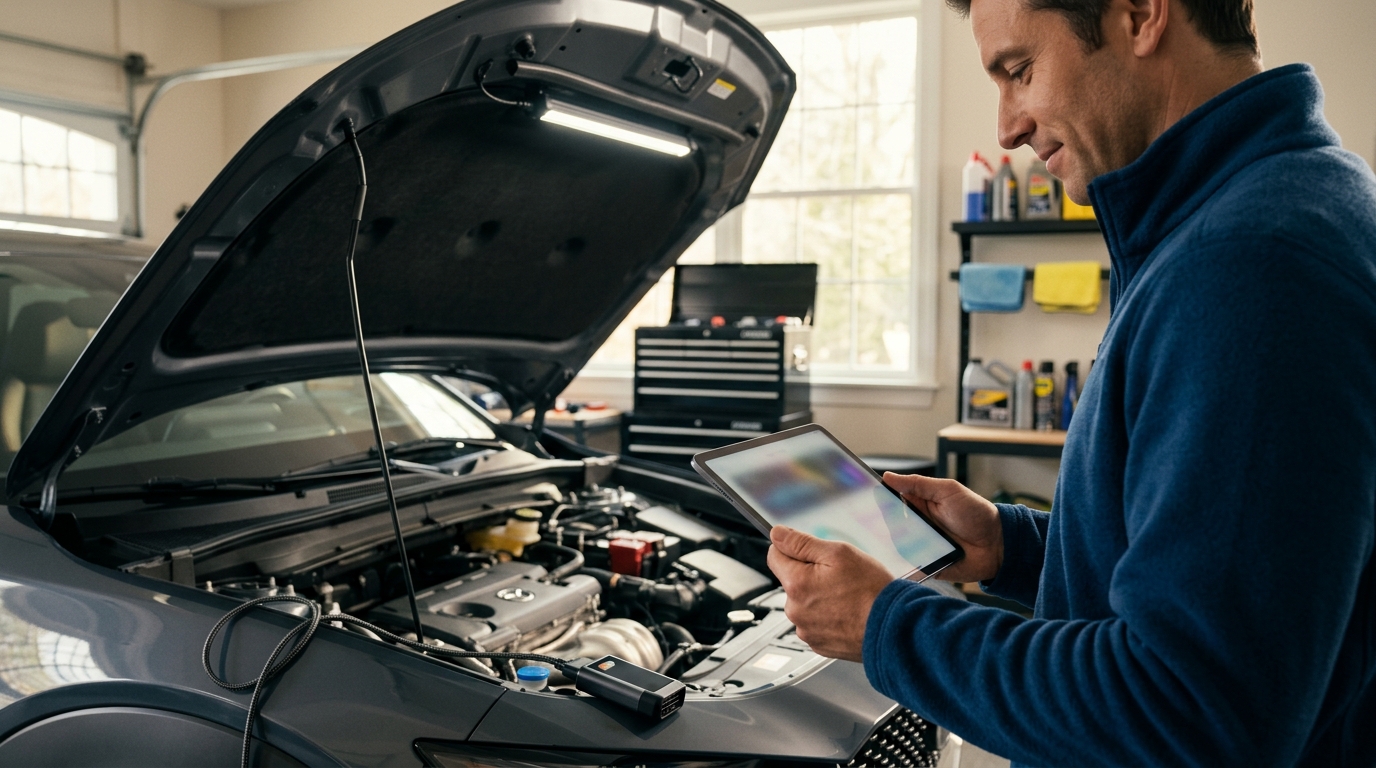
Modern vehicles generate massive amounts of data, yet many drivers remain stuck guessing when the check engine light appears. According to a 2024 report by the American Automobile Association, over 40% of roadside assistance calls are triggered by minor, easily diagnosable issues that could have been caught early. This statistic highlights a critical gap in the automotive market. While many apps promise instant fixes, most fail to provide actionable data or reliable verification. The landscape of automotive technology has shifted from simple code readers to comprehensive diagnostic ecosystems that bridge the gap between DIY enthusiasts and professional mechanics.
Understanding OBD2 and Diagnostic Accuracy
Before selecting an app, it is essential to understand the hardware foundation. OBD2 is the standardized diagnostic port found in almost all cars manufactured after 1996. This port allows external devices to communicate with the vehicle's onboard computer. Without a compatible Bluetooth or Wi-Fi ELM327 adapter, no app can function. The quality of this adapter often dictates the reliability of the data received.
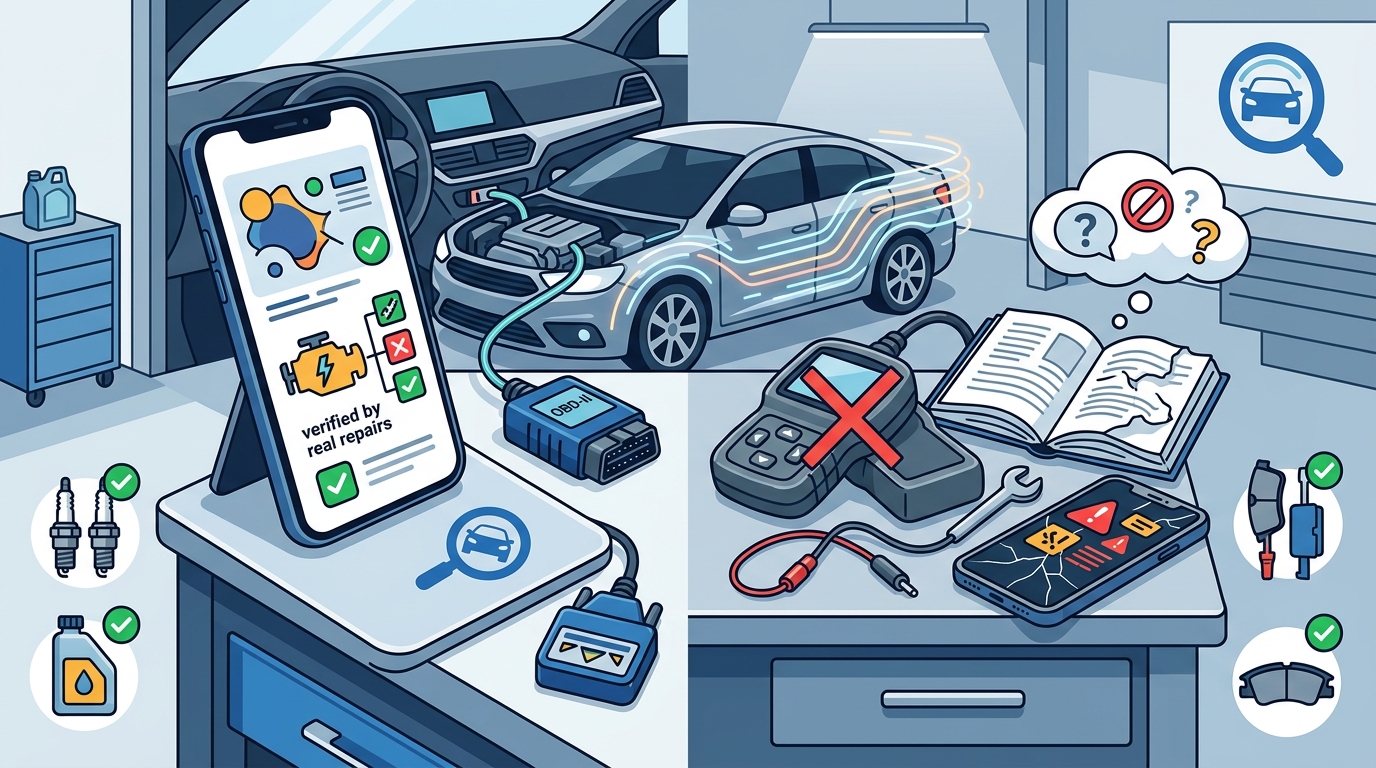
Many users assume that the app alone provides the diagnosis. This is a misconception. The app interprets raw data, but the accuracy depends on the vehicle's sensor health and the adapter's signal integrity. According to data from the Society of Automotive Engineers, standardized protocols ensure that basic codes are consistent across manufacturers. However, advanced diagnostics require deeper access to manufacturer-specific protocols. This is where premium apps and specialized tools like those offered by AutoUncover differentiate themselves by verifying codes against real-world repair data.
Top Affordable Car Diagnostic Apps
The market is saturated with options, but few deliver consistent value. We have evaluated the leading contenders based on interface usability, code library depth, and cost-effectiveness. Each tool serves a different segment of the automotive community, from casual drivers to serious hobbyists.
1. Torque Pro
Torque Pro remains a staple for Android users. It is renowned for its extensive customization options. Users can create custom gauges to monitor engine temperature, fuel pressure, and boost levels in real time. While the free version offers basic functionality, the Pro version unlocks advanced logging and data export features. It is an excellent choice for those who want to monitor performance metrics rather than just read fault codes.
2. Car Scanner ELM OBD2
Car Scanner is notable for its cross-platform compatibility, supporting both iOS and Android. It offers a clean interface that simplifies the reading of live data. The app allows users to reset service lights and monitor battery health. Its ability to connect to multiple adapters simultaneously makes it a versatile tool for mechanics who work on various vehicle makes. For more specialized verification, professionals often cross-reference these readings with professional garage databases to ensure the code matches common failure patterns.
3. OBD Auto Doctor
OBD Auto Doctor is designed for simplicity. It provides clear explanations for each diagnostic trouble code. This is particularly useful for novice users who may not understand technical jargon. The app includes a feature that allows users to email reports directly to their mechanic. This bridges the communication gap between the driver and the service provider. According to industry standards, clear communication reduces diagnostic time by approximately 20%.
Free vs. Paid Diagnostic Tools
The decision to pay for a diagnostic app often comes down to the depth of data required. Free apps typically provide access to generic OBD2 codes. These codes are standardized across all manufacturers. However, they often lack the specificity needed for complex issues. Paid apps unlock manufacturer-specific codes, which are unique to brands like BMW, Ford, or Toyota. These specific codes provide more detailed information about the system failure.
Another critical distinction is the verification of data. Many free apps display a code without context. This can lead to misdiagnosis. For example, a code for a misfire could be caused by a faulty spark plug, a bad coil, or a fuel injector issue. Verified diagnostics eliminate guesswork by correlating codes with known repair outcomes. Platforms like AutoUncover pricing tiers offer affordable access to this verified data, ensuring that repairs are targeted and effective.
Additionally, paid tools often include advanced features such as ABS and SRS airbag system diagnostics. These systems are critical for vehicle safety and are not accessible through basic free apps. The cost of a subscription is negligible compared to the cost of an incorrect repair. Investing in a reliable tool protects the vehicle's longevity and saves money in the long run.
Feature Comparison Matrix
The following table summarizes the key features of the top diagnostic tools evaluated. This comparison helps users identify the best fit for their technical proficiency and budget.
| App Name | Platform | Primary Strength | Cost Model | Best For |
|---|---|---|---|---|
| Torque Pro | Android | Custom Gauges & Logging | One-time Purchase | Performance Monitoring |
| Car Scanner | iOS / Android | Cross-Platform Compatibility | Freemium | General Diagnostics |
| OBD Auto Doctor | iOS / Android | Simple Code Explanations | Subscription | Novice Users |
| AutoUncover | Web / App | Verified Repair Data | Pay-per-Check | Accurate Repair Guidance |
Key Takeaways
- OBD2 adapters are a mandatory hardware requirement for any diagnostic app to function.
- Free apps provide generic codes, while paid apps offer manufacturer-specific diagnostic data.
- Torque Pro is the leading choice for Android users focused on performance metrics.
- Car Scanner offers the best cross-platform support for iOS and Android users.
- Verified diagnostic data, such as that provided by AutoUncover's verified database, reduces misdiagnosis rates significantly.
- Advanced systems like ABS and SRS require specialized tools not found in basic free apps.
- Investing in a reliable diagnostic tool saves money by preventing unnecessary part replacements.
Frequently Asked Questions
Do I need a special adapter for car diagnostic apps?
Yes, you need an OBD2 Bluetooth or Wi-Fi adapter. This device plugs into your car's port and connects to your phone via the app. Without this hardware, the app cannot access vehicle data.
Can free diagnostic apps fix my car?
Free apps can read codes and provide general information, but they cannot physically fix the car. They serve as a diagnostic tool to help you understand the issue before visiting a mechanic.
Are manufacturer-specific codes more accurate?
Yes, manufacturer-specific codes provide detailed information about the exact system failure. Generic codes only indicate that a problem exists within a broad category, such as the fuel system.
How often should I check my car's diagnostic codes?
You should check codes whenever the check engine light illuminates. Regular monitoring can help identify intermittent issues before they become major problems.
Is AutoUncover better than traditional apps?
AutoUncover differs by providing verified repair data rather than just raw codes. This helps users understand the real-world implications of a code, leading to more accurate repairs.
Can I use these apps on any car?
Most cars manufactured after 1996 have an OBD2 port. Older vehicles may require different diagnostic methods. Always verify your car's compatibility before purchasing an adapter.
What is the cost of a good diagnostic app?
Costs vary from free to $20 for a one-time purchase. Subscription models for advanced features typically range from $5 to $10 per month. AutoUncover offers flexible pricing for specific checks.
Get Accurate Diagnostics Today
Choosing the right diagnostic tool is the first step toward maintaining your vehicle's health. While free apps offer basic insights, they often lack the depth required for accurate repairs. For drivers who want to avoid costly misdiagnoses, verified data is essential. Create an account on AutoUncover to access a database of real-world repair verifications. Stop guessing and start fixing with confidence. Visit the installation guide to get started with your first verified diagnostic check today.